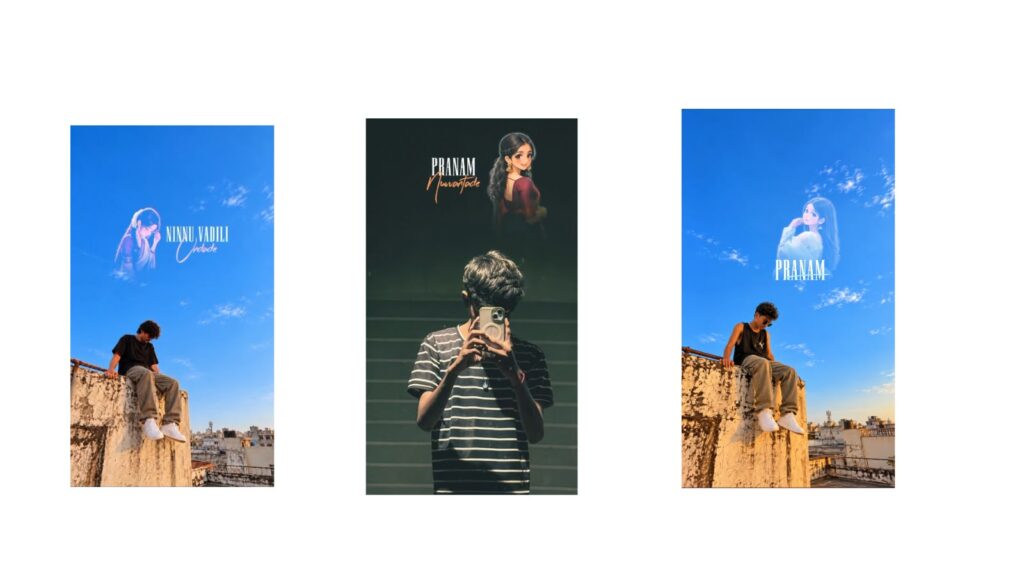
First, look at these animation videos—they are amazing! This features a Hindi song, and many people have been asking me for days to make a video with a Hindi song. This animation looks great, and its reach will be next level. If you check out the Hindi song, you will love the feel of it. However, if you don’t like the Hindi song, you can replace it with a Telugu song instead. I am showing you a small demo here, so please like the video! Comment and let me know how you like it, and please support the channel. Your support motivates me to create even better videos.
I forgot to mention one thing: if you face any import issues, don’t worry—just follow the steps I am about to explain. It is very simple. I have provided a Telegram link below; go there and download the Alight Motion clone app. This will be very helpful because you don’t need to uninstall your original Alight Motion app. You can keep both. Open the clone app, click on the three lines, and select the “Import Package” option. Copy the project link, paste it there, and it will import easily. As you can see, I am using two apps here (the clone and the normal version) so you can use whichever one you prefer to continue your work. You don’t need to download extra fonts for this project, as I just used the default fonts available in Alight Motion.
If you want to use your own photos in this project, you can easily replace them. There are some frames and PNGs included; if you adjust them perfectly, it will look amazing. Before changing everything, let’s understand a few details. Scrolling down, you can see my photo where it gives a jumping-from-above feel. If you want to generate a photo like this, you can go to ChatGPT, prompt it in Telugu, and it will automatically generate it for you. Alternatively, I will provide this specific prompt separately for you later. There are multiple AI photos here; you can replace them with pictures of whoever you want and comfortably continue editing.
Next, the main video starts. It took me a lot of time to edit this. At first, I thought it would be very simple, but keyframing every single movement took hours. When you look at it initially, it might seem chaotic or messy, but once you understand the animation layout, you realize how beautiful it is. You can replace the photos used here with your favorite images without much effort.
Many people complain that their photos don’t replace properly. Let me show you an example: copy the target image, click on the photo you want to replace, go to the paste style options, turn off all other options except the color/fill option, and then paste. This will perfectly align your photo. It is a very simple process depending on how you do it. The lyrics continue until the end, with a few missing parts in the middle, but it still feels great. Once done, save the video. If I were to make a full step-by-step tutorial, it would take around 40 to 50 minutes, so please check the project files directly. Jai Hind!



