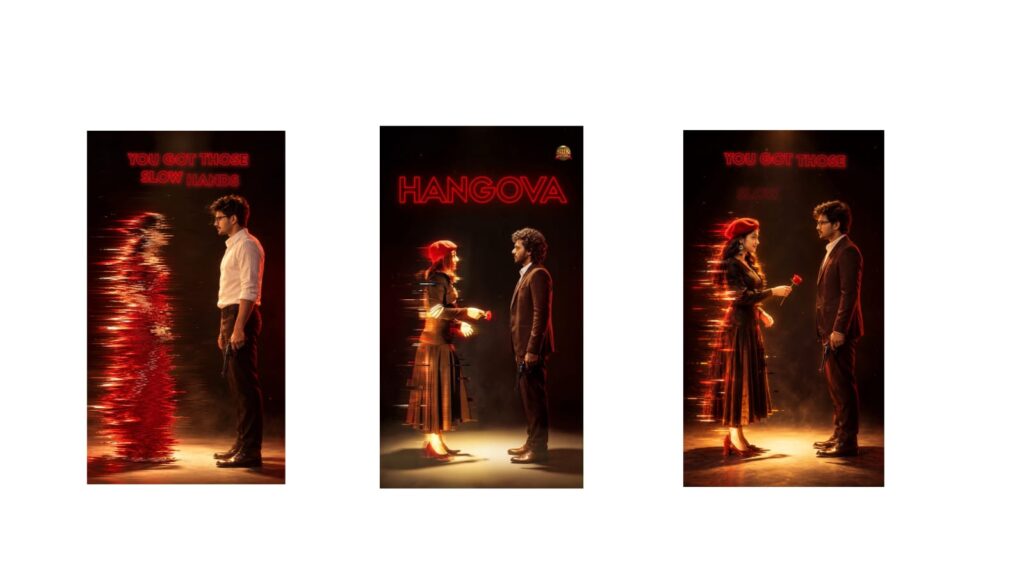
Mastering video editing begins with design fundamentals, as 80% of what makes a video look visually compelling happens before you ever touch software like Premiere Pro or DaVinci Resolve. Modern editing demands building complete scenes with custom graphics, composites, and text layouts, making tools like Photoshop essential for crafting cutouts and textures, and Illustrator crucial for clean UI elements.
Rather than overwhelming yourself with multiple programs, choose a single dedicated pipeline: either the paid Adobe track with Premiere Pro and After Effects, or the free Blackmagic ecosystem using DaVinci Resolve and its Fusion tab. Your technical growth should progress across three clear stages:
the beginner phase, which prioritizes interface navigation, core tools, and basic rhythm cuts; the intermediate phase, where you elevate your work through music-synced pacing, dynamic animations, immersive sound design, and color grading; and the advanced phase, where you separate yourself from typical editors by mastering graph-editor motion, bespoke transitions, rotoscoping, object tracking, and 3D compositing.
Once skilled, curate a high-converting portfolio strictly limited to five to seven of your absolute best edits, showcased on clean platforms like Bento or Framer rather than unprofessional cloud folders. To monetize, balance rapid review-building on freelance platforms like Upwork and Contra with organic personal branding on YouTube and LinkedIn to attract high-value retainers.



