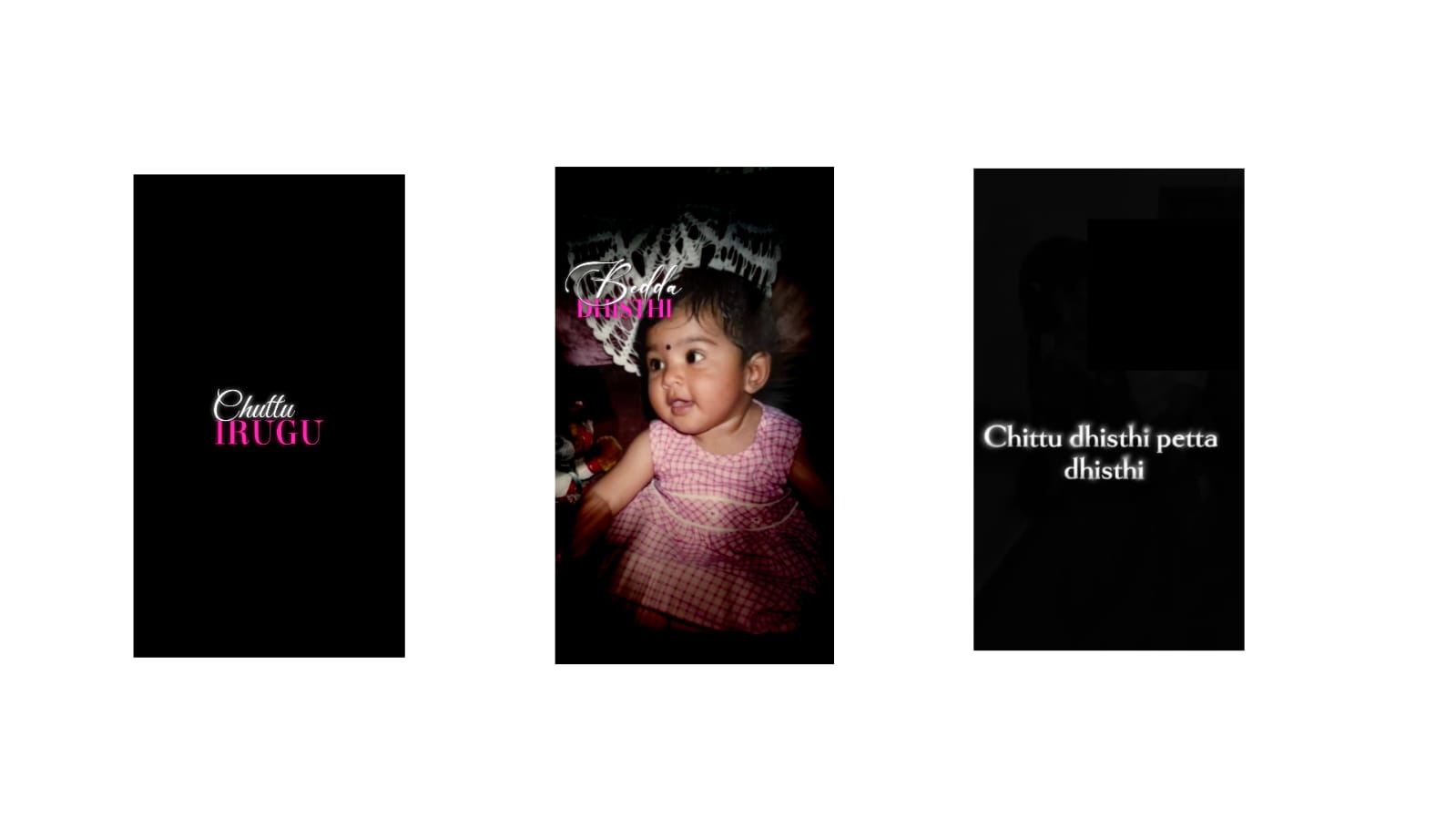
Video editing is one of the most valuable skills for YouTube creators, social media influencers, businesses, and filmmakers. A well-edited video keeps viewers engaged, improves storytelling, and creates a professional impression. However, many beginners unknowingly make editing mistakes that reduce video quality and cause viewers to lose interest. Understanding these common mistakes and learning how to avoid them can significantly improve your editing skills and help you produce videos that look polished and professional.
The first mistake is starting an edit without organizing footage. Many creators import dozens of video clips into their editing software without naming or sorting them. This makes it difficult to find the right clips later and wastes valuable editing time. Creating folders for videos, audio, images, and graphics before editing helps maintain an efficient workflow and reduces confusion during the project.
Poor video trimming is another common issue. Beginners often leave unnecessary pauses, mistakes, or long silent moments in the final video. Every second should contribute to the story or message. Removing unnecessary footage keeps the video engaging and improves viewer retention. Short, clean cuts usually create a faster and more professional pace.
Using too many transitions is another mistake. Modern editing software offers hundreds of transition effects, but excessive use can distract viewers. Simple cuts and smooth fades are often more effective than flashy animations. Professional editors generally use transitions only when they serve a storytelling purpose rather than simply adding visual effects.
Ignoring audio quality can ruin an otherwise excellent video. Viewers are more likely to tolerate average video quality than poor sound. Background noise, uneven volume levels, or echo can make videos difficult to watch. Cleaning audio, balancing voice levels, and adding suitable background music create a more enjoyable viewing experience.
Color correction is often overlooked by beginners. Videos recorded under different lighting conditions may have inconsistent colors. Adjusting white balance, exposure, contrast, and saturation creates a consistent appearance throughout the project. Even simple color adjustments can dramatically improve the final result.
Another mistake is adding excessive text or graphics. Titles and captions should support the content rather than dominate the screen. Using readable fonts, proper spacing, and consistent colors makes information easier to understand. Keeping text simple allows viewers to focus on the main message.
Many beginners forget about the importance of pacing. Long scenes without movement or changes can cause viewers to lose interest. Mixing wide shots, close-ups, screen recordings, animations, and B-roll footage creates visual variety that keeps the audience engaged throughout the video.
Ignoring video resolution and export settings is another frequent problem. Editing in high quality but exporting at low resolution reduces overall visual clarity. Selecting the appropriate resolution, frame rate, and bitrate ensures the final video maintains excellent quality on different platforms such as YouTube, Instagram, Facebook, and other social media channels.
Overusing visual effects is also common among new editors. While slow motion, zoom effects, motion blur, and animated graphics can improve storytelling, using too many effects makes videos appear cluttered. Professional editing focuses on enhancing the content instead of distracting viewers with unnecessary animations.
Music selection deserves careful attention as well. Background music should complement the mood without overpowering the speaker’s voice. Choosing royalty-free music also helps avoid copyright issues when publishing videos online. Lowering music volume during spoken sections improves clarity and creates a balanced audio mix.
Many creators skip subtitles, even though captions improve accessibility and viewer engagement. Subtitles help audiences understand videos in noisy environments and support viewers who prefer watching without sound. Accurate captions also increase watch time on many social media platforms.
Another mistake is inconsistent branding. Using different fonts, colors, logo placements, and editing styles across videos can weaken a creator’s identity. Developing a consistent editing style helps build brand recognition and creates a more professional appearance.
Regularly reviewing the edited video before publishing is an important habit. Watching the entire project helps identify spelling mistakes, awkward cuts, audio problems, or visual inconsistencies that may have been missed during editing. Small corrections at this stage can greatly improve the final result.
Finally, beginners should remember that editing is a creative process that improves with experience. Every project provides an opportunity to learn new techniques, experiment with different styles, and refine storytelling skills. By avoiding common mistakes, focusing on clean editing, maintaining consistent quality, and continuously practicing, anyone can produce professional-looking videos that capture attention and leave a lasting impression on viewers.
Full Project
XML file
Song



