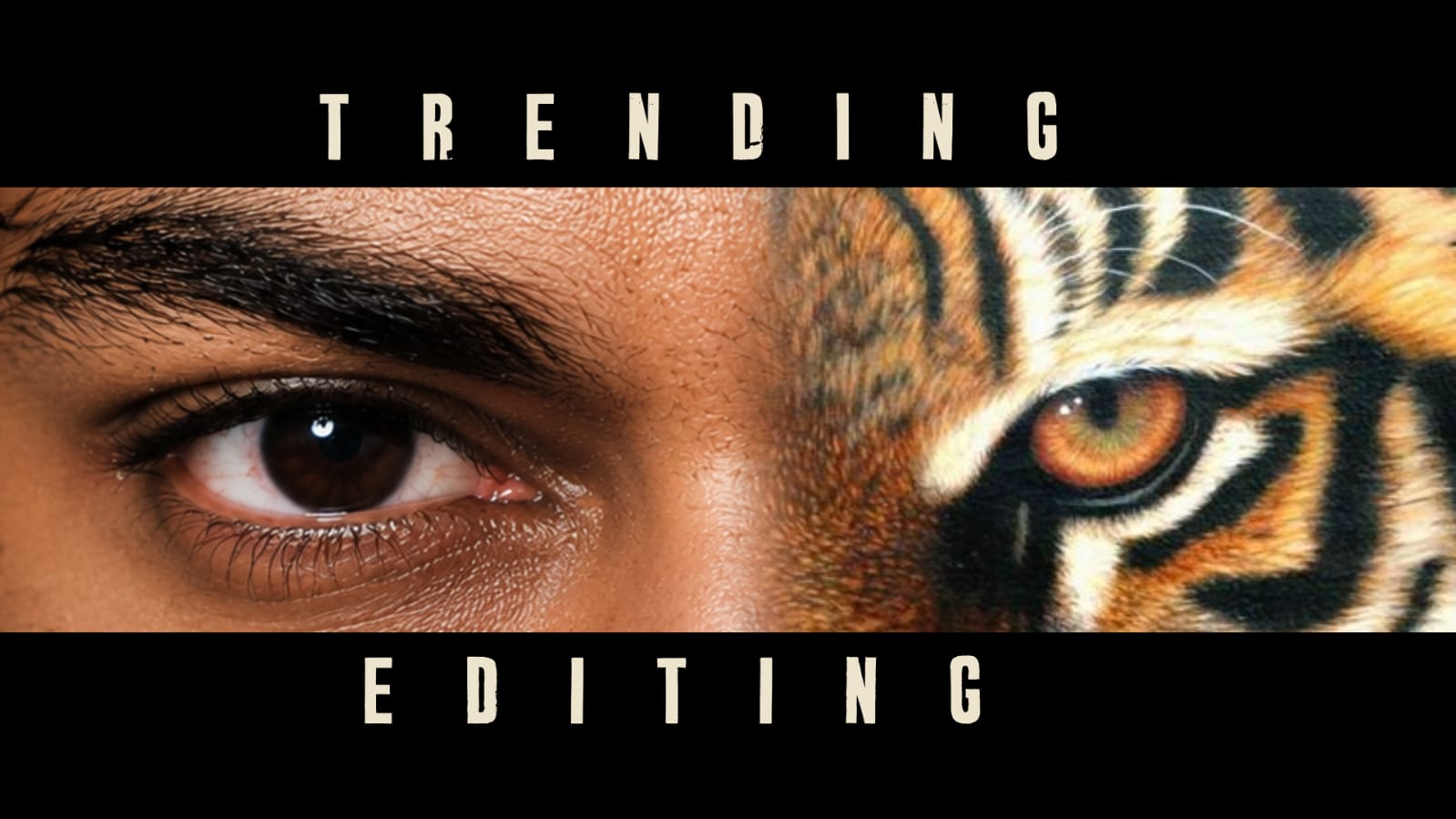
Portrait photography is one of the most popular forms of photography today. People use portraits for social media profiles, professional websites, invitations, portfolios, personal memories, and creative projects. Even when a portrait is captured with a good camera or smartphone, thoughtful editing can improve its lighting, colors, composition, and overall appearance.
Professional portrait editing is not about changing every feature of a person’s face. The best results usually come from subtle corrections that improve the photograph while keeping the subject natural and recognizable.
Begin With the Best Original Photograph
Before editing, select the strongest photograph from the available images. Look for a sharp face, clear eyes, suitable expression, and reasonably balanced lighting.
Avoid spending too much time trying to repair a photograph that is severely blurry or poorly exposed. A strong original image gives you much more flexibility.
Always preserve the original file before beginning the editing process. Create a duplicate for editing so that you can return to the untouched photograph whenever necessary.
Correct Exposure First
Lighting should be addressed before making detailed facial adjustments. Check whether the face is too dark or whether highlights are too bright.
Adjust exposure carefully until the face has a balanced appearance. If the forehead, cheeks, or other bright areas look washed out, reducing highlights can help recover detail.
Increasing shadows slightly can reveal details in darker areas. After making these changes, adjust contrast to create a balanced overall appearance.
The goal is to make the face clearly visible without making the photograph look excessively bright.
Correct White Balance
White balance affects the overall color of a portrait. Incorrect lighting can make skin appear unusually yellow, orange, blue, or green.
Use the temperature and tint controls to correct unwanted color casts. Compare the skin with the original image and make small adjustments.
A natural skin tone should be the priority. Avoid using strong color effects before correcting the basic white balance.
Improve Skin Naturally
Skin retouching is often the most noticeable part of portrait editing. Small blemishes, temporary spots, or distractions can be removed using healing and retouching tools.
However, avoid completely eliminating natural skin texture. Excessive smoothing can make the face look artificial and plastic-like.
Instead, concentrate on temporary imperfections and maintain natural details such as pores and subtle facial texture.
Different people also have different skin tones and characteristics, so there is no single setting that works perfectly for every portrait.
Enhance the Eyes Carefully
The eyes are often the most important visual element in a portrait. Small adjustments can make them appear clearer and more expressive.
Increase brightness or sharpness slightly if necessary. Avoid making the eyes extremely bright or changing their natural color without a specific creative purpose.
You can also improve the surrounding area by reducing distracting shadows. These small corrections can make the subject appear more alert while preserving a natural appearance.
Improve Hair and Clothing
Portrait editing should not focus only on the face. Hair and clothing also contribute to the overall composition.
Remove small distractions such as stray objects or temporary marks when appropriate. Increase detail or contrast slightly to make clothing textures clearer.
If the hair blends into the background, careful background adjustments can help separate it from the surroundings.
Avoid excessive sharpening because it can create harsh edges around hair and clothing.
Enhance the Background
A good background should support the subject rather than compete with them. If the original background contains distracting objects, consider cropping, blurring, darkening, or removing them.
A subtle background blur can create depth and direct attention toward the face. When applying blur, pay special attention to hair and shoulders so that the separation remains natural.
You can also reduce background saturation slightly if the colors are competing with the subject.
Use Color Grading
After correcting exposure and white balance, creative color grading can give a portrait a specific mood.
Warm tones can create a comfortable and welcoming appearance, while cooler tones can produce a modern or dramatic style.
Color grading should be consistent throughout the photograph. Avoid pushing colors so far that skin tones become unnatural.
For professional portraits, subtle color adjustments generally provide a more timeless appearance.
Apply Sharpening and Noise Reduction
Sharpening can improve fine details, particularly around the eyes, hair, and clothing. Use it carefully because excessive sharpening can make skin texture appear harsh.
Noise reduction can help when the photograph was captured in low light. However, too much noise reduction can remove important details.
A good approach is to make small adjustments and view the portrait at its normal display size rather than judging it only when highly zoomed in.
Compare Before and After
One of the most useful editing habits is comparing the finished portrait with the original. This helps prevent over-editing.
Temporarily disable the adjustments and look at the original. Then switch back to the edited version. Ask whether the changes genuinely improve the photograph.
If the edited image immediately looks heavily processed, reduce the intensity of the strongest adjustments.
Export the Final Portrait
After completing the edit, save a high-quality version. Keep the original photograph and, if possible, the editable project file.
Create smaller copies when uploading to websites or social media. This preserves the high-quality version for future projects.
Conclusion
Portrait editing is most effective when it improves the photograph without removing the personality of the subject. Start with exposure and white balance, then make careful adjustments to skin, eyes, hair, clothing, and background.
Avoid excessive smoothing, unrealistic colors, and dramatic transformations unless they are specifically required for a creative project. With regular practice and attention to detail, simple editing techniques can turn ordinary portraits into polished and professional-looking photographs while keeping them natural.
Full Project
XML file
Song link



