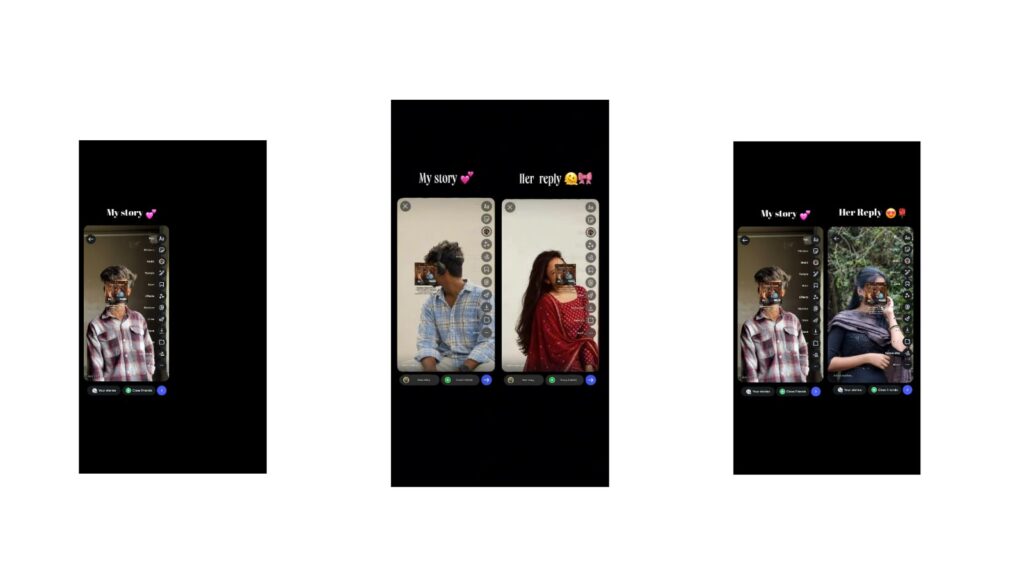
Epic editing like this should not be missed at all. It looks very amazing. First, let’s see how the editing looks. If you like it, please like the video to give some support. Let’s look at the demo. As you can see, I only showed a little bit of the editing, but the entire video looks very amazing. The lyrical editing, the animation, and the movement in it are beautiful. To put it main, I saw a video on Instagram, and I will show you that video here just to give you an idea. After seeing that video, I definitely wanted to make this video somehow because it impressed me a lot and I felt very good about it. There is an animation with hands in the middle, and it looks super fine. I will show it to you, and you might have already gotten an idea from the demo. It looks very good and it is very, very easy to make. However, even though it is easy, it takes a lot of time. Just think of it as easy, but it takes a lot of time to create the movements and do the animations. So, if you want me to make a full tutorial, I will do that, or if you want me to explain it right now, I will do that too. I will share a few details and give you a breakdown so you will automatically get an idea.
First of all, I made this in two or three different ways, meaning I tried it in black and white and did a few variations. After that, the final output is the one I showed you in the demo. First, if you want to make this video, you must have the Alight Motion app. Even if you do not have the Alight Motion app, you do not need to worry. I will provide it, and you can use it easily. Why am I recommending the Alight Motion app? Because Alight Motion is the best app for creating animations based on the beat. There is CapCut too, but this one allows you to animate according to the beat. Many people have been asking me to fully explain Alight Motion, and I have already uploaded a four-hour course video. If you haven’t watched that video, please watch it. This editing follows a beat type where the movement depends entirely on the music beat. For the animations, I used the null object for the 3D effect. I did not use the camera entirely, but I used the null object.
For example, if you want to change this photo, you can select the photo at the bottom and replace it with another photo. The movement is very important, so let me put a different photo here in place of this one as an example. I have placed this photo and I will change the angle slightly. Now look, this photo also got a very good movement. If you want it in color, you can just remove the saturation from the color settings at the bottom, and it will appear perfectly in color as well. Take a look at this. The movement is very perfect and looks super fine. You can decide whether you want to make it in black and white or in color. Once you decide, you will get a clear idea and I won’t need to explain it further. After that, there is a lot of eye movement in this. Leave the eye photo exactly as it is; do not meddle with the eye photo at all.
Also, if you face any import problems, I will provide a video link in the description. You can watch that and try it out, and it will definitely satisfy you. Try this video without going into XML files because using XML files can cause issues. For instance, if you use XML, you have to manually add background photos, the song, and eye photos, which takes up a lot of time. If you want to change the eye photo as well, you can go into color and fill settings to change it, but keeping it as it is will be perfect because your eye will look the same since we are making a girl’s photo video. I really liked this animation. It took a lot of time because every single detail had to be moved. You have to do rotation animation movements and zoom for each part. The keyframes are used heavily here.
After that, the lyrics will automatically appear at the end. It is very simple. There are photos at the top. You can select the photo at the bottom, go to color and fill settings, and replace it with anyone’s photo. For example, let me change this photo here. It is changed. While changing, try to use a better-looking photo. If you try matching photos, it will look much better. If you do not have the Alight Motion app, I have uploaded it on Telegram and WhatsApp, inside the WhatsApp channel. Check it out there, and after that, save the video. Please like the video and support me. Jai Hind.



