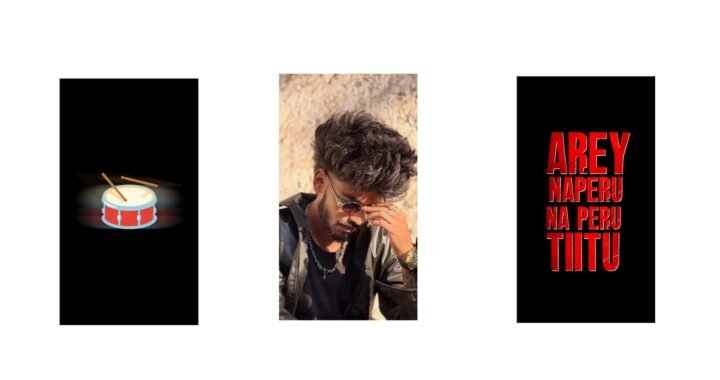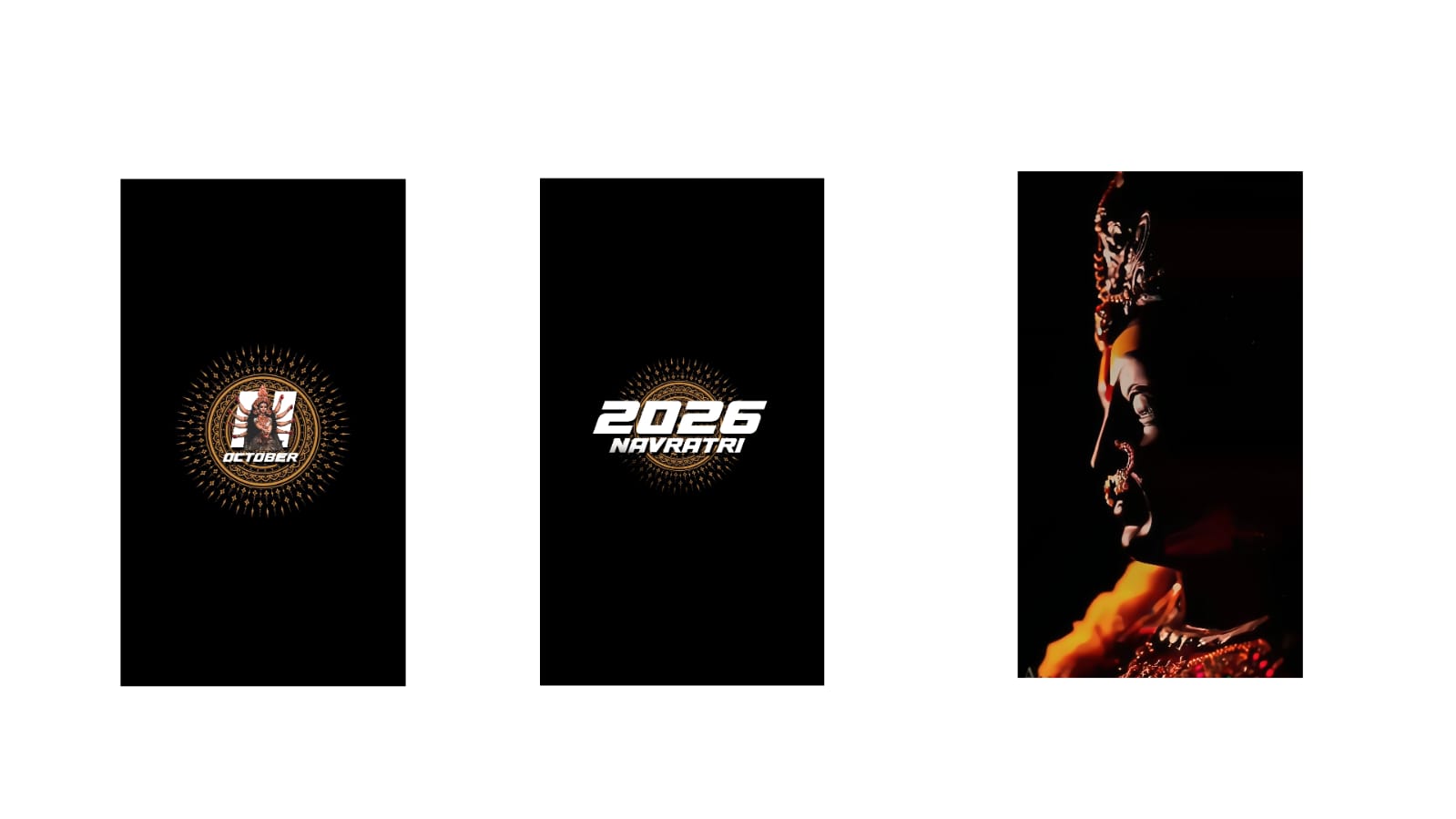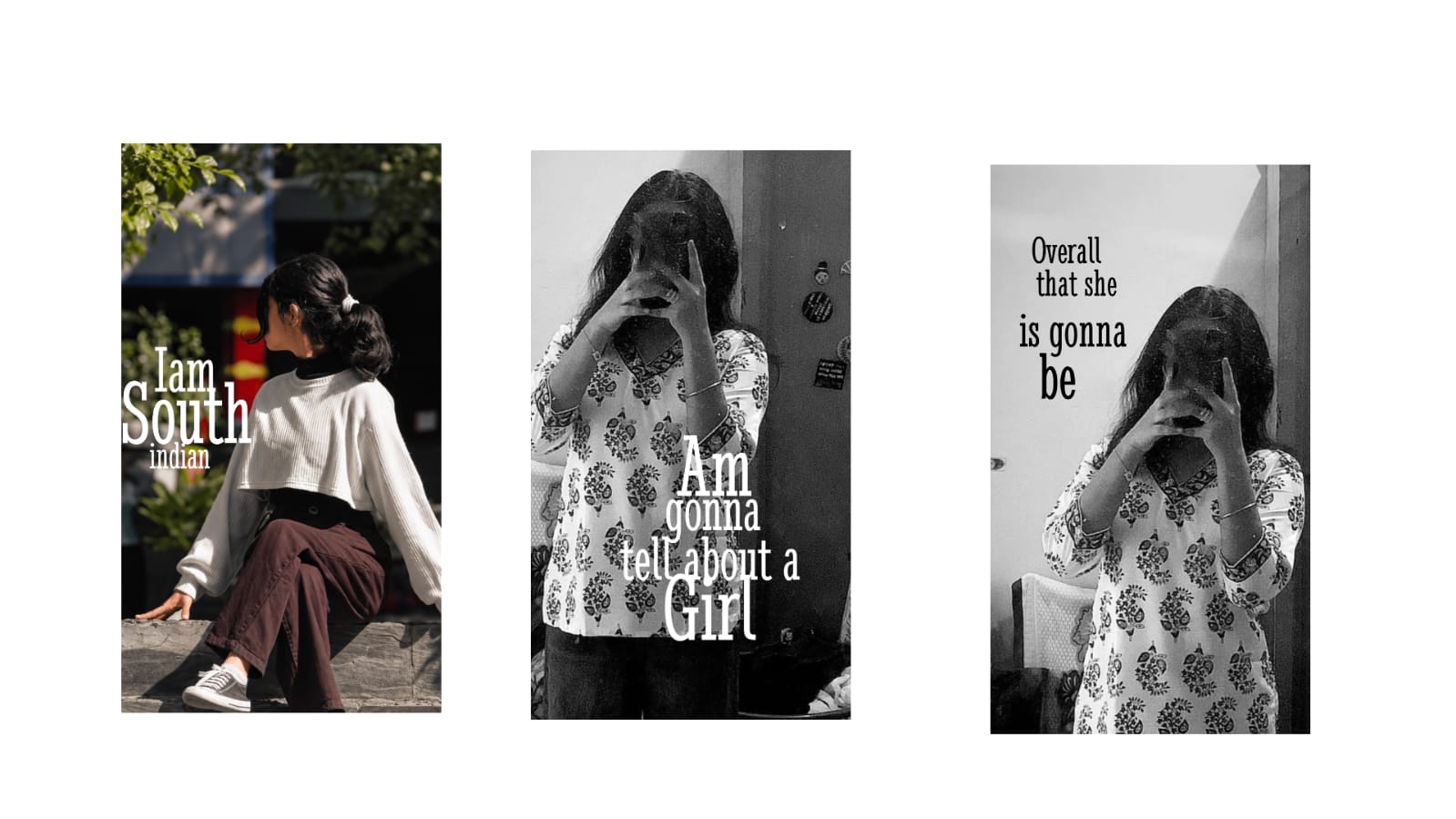
Look at this typography lyrical video, it is next level. That feel is really good. Even though I made this whole video, when I was watching the demo video afterwards, I felt like the hard work I put in gave me results. I felt very happy. First, I will also show you the demo, if possible with the song, and you can check it out here. If you want the demo with the song, I will also post it on Telegram and WhatsApp, you can check it out. The animation is very good. First, I will tell you a few things. I made this video inspired by a video on Instagram. In the morning, while I was scrolling through reels, I came across a video. I will put that video up, okay? Looking at that video, you can tell it was made in After Effects. It was very good in that. I thought if we make the same video in Alight Motion, it would have a next-level feel, so I made this video. It turned out very well. It is exactly the same, both the animation, the depth, and the blur—meaning the focus blur—everything is very good.
If you want to try, you can try this kind of typography lyrical video. But whether you believe it or not, it took me over three hours for this. But later I realized that I made a few mistakes in it, otherwise it wouldn’t even have taken three hours. Later I got that thought, and it ended up finishing in about one or two hours, but I took a bit more time. The idea came later. I will explain everything in detail. If you are planning to make this, watch this video till the end, and I will tell you a few things that will be very, very useful. Okay? And you can also try this very easily with a song of your choice. Okay? First, I made a small demo for you, right? I will show you the breakdown. Okay? First, I will tell you how many layers are in this. Since we are going to make this video in the Alight Motion app, if you don’t have the Alight Motion app, I will put it in the Telegram and WhatsApp channels, check it out. I will put it on Telegram, check it out. And now I have opened the Alight Motion project file, and I will also provide the project file below. If possible, you can open that project file and use it. And if there is an import problem, I have given a video called “Import Problem” in the highlights, watch it and the doubt will be cleared. First of all, I put 72 layers in this. Okay? Click on this box, I used a camera in this, but in that video, they used a null. I also planned to use a null at the starting of this video, but when I was using the null fully, I felt some basic small problems in it.
So I deleted the null and used the camera right from the starting. With a null, every single link has to be added to the null in Alight Motion, but it’s not like that with a camera. Automatically, as we keep adding layers, we can see the depth value and add it. Okay? I think I used two or three cameras in this. Okay? First, see, the demo will basically be like this. In this, if you want to put someone else’s photo, you can also put it, that’s not a big deal. But first, what’s important in this is that I will give you an idea of how I actually did it, I will give you a touch-up, and you will know automatically. Okay? If you want to import this project and see it, you can see it. Basically, if you want me to show a small part, I will show it. Okay? What it is, is that whenever you do typography, no matter how many people do it or how many people talk about it, your idea should be with you 100%. Meaning your thought should be with you. Now, I did my animation in my style. If your thought is also a bit different, you should customize it according to you. There is no rule that you have to do exactly what I did, think of it as your idea.
And I told you at the starting as well that I made this video inspired by another video, so that video is like that and my video is like this, so you can try based on that. For this, 3D or depth will 100% take some time. And the shape layers, shape lines, or drawing in this are very good. That drawing was also done in Alight Motion, nothing was brought from outside, everything was done manually. This is completely new. If you want to try, you can use the project file. If you want a detailed typography lyrical video, comment “lyrical” in the comments.
Definitely, if this video gets a good reach and more likes, if this video gets more likes, I will post it immediately, immediately, okay? If it gets good likes today, I will post it tomorrow itself, no doubt about it. So I hope you liked it, that’s all. Look at this, basically, I used a lot of fonts in this, so download the fonts. Download and add the fonts. Since there will be some matching fonts, you can add and use them. That’s it, save it with that. For every photo, keep a PNG replacement.