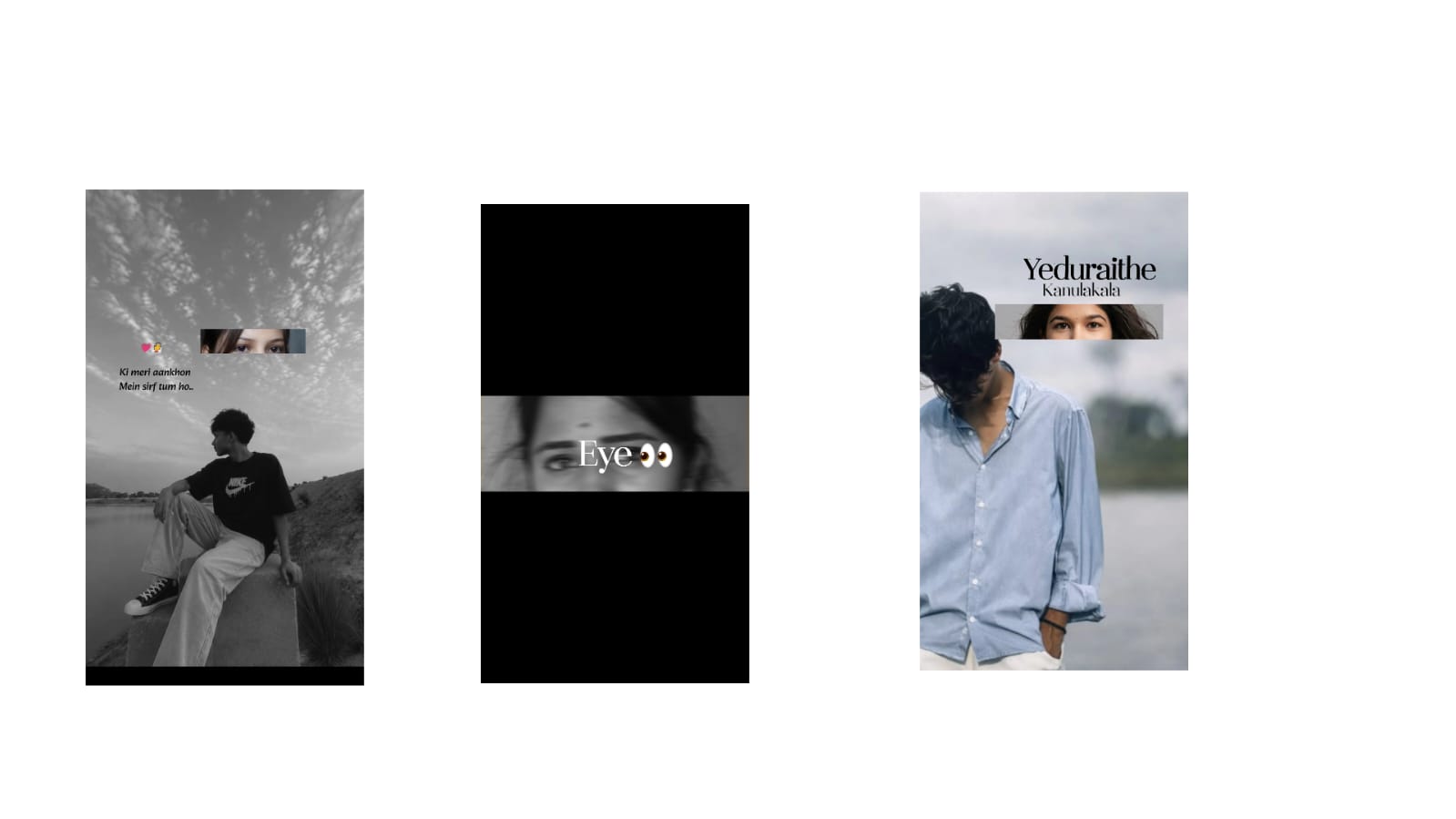
Many people believe that creating professional-looking videos requires expensive cameras, high-end computers, and costly accessories. While quality equipment can certainly help, it is not the only factor that determines how good a video looks. Skilled creators know that proper planning, lighting, editing, and storytelling have a much greater impact than expensive gear. With the right techniques, even videos recorded on a smartphone can appear polished and professional. Understanding how to improve video quality without investing in expensive equipment allows beginners and experienced creators alike to produce content that attracts viewers and builds credibility.
The first step toward better video quality is understanding lighting. Good lighting can dramatically improve the appearance of any camera. Natural daylight is often the best option because it produces soft, balanced illumination that enhances colors and facial details. Recording near a large window during daylight hours usually provides better results than filming under harsh indoor lighting. When natural light is unavailable, simple LED lights or affordable desk lamps can create impressive improvements when positioned correctly.
Keeping the camera stable is equally important. Shaky footage distracts viewers and reduces the professional appearance of a video. Instead of holding the camera by hand, creators can use inexpensive tripods, phone holders, or stable surfaces such as tables and shelves. Maintaining smooth and steady shots makes videos easier to watch while allowing viewers to focus on the content.
Clean audio often has a greater impact than visual quality. Viewers are willing to watch videos with average image quality if the sound is clear and understandable. Recording in a quiet room, reducing background noise, and speaking clearly improve the overall viewing experience. Many creators also use affordable external microphones to enhance voice clarity without making a significant investment.
Choosing the correct camera settings also contributes to better results. Recording in the highest available resolution preserves image details during editing. Proper focus and exposure should be checked before filming begins, as correcting major focus issues afterward is often impossible. Taking a few test recordings before the main shoot helps identify lighting or framing problems early.
Composition plays a major role in professional video production. Positioning the subject carefully within the frame creates a balanced and visually appealing image. Leaving unnecessary empty space or placing important subjects too close to the edges can make videos appear less polished. Following basic composition principles such as the rule of thirds helps create more attractive visuals.
Background selection should not be overlooked. A clean and organized background directs attention toward the main subject while reducing distractions. Removing unnecessary objects or choosing a simple location creates a more professional appearance without requiring expensive studio equipment.
Editing is where raw footage becomes a polished production. Trimming unnecessary pauses, correcting colors, balancing audio, and adding smooth transitions all improve the final quality of a video. Modern editing software provides professional tools that allow creators to enhance footage quickly while maintaining a natural appearance.
Color correction helps achieve visual consistency across different scenes. Adjusting brightness, contrast, white balance, highlights, and shadows ensures every clip looks balanced before applying creative color grading. Even simple color adjustments can significantly improve the overall presentation.
Sharpness should be applied carefully during editing. Slight sharpening enhances fine details, while excessive sharpening creates unwanted artifacts and noise. Maintaining a natural look always produces better long-term results than applying aggressive visual effects.
Noise reduction is especially valuable when recording in low-light conditions. Digital noise often appears as grainy textures that reduce image clarity. Modern editing software includes intelligent noise reduction tools that clean footage while preserving important details.
Using B-roll footage makes videos more engaging. Instead of showing the same camera angle throughout the project, creators can insert supporting visuals that illustrate the topic being discussed. This improves storytelling while keeping viewers interested from beginning to end.
Titles and captions also improve professionalism. Clean typography, consistent fonts, and readable text help communicate important information while making videos accessible to wider audiences. Captions are particularly valuable for viewers watching videos without sound on social media platforms.
Modern AI-powered editing features make improving video quality easier than ever. Automatic stabilization, background noise removal, subtitle generation, color correction, and voice enhancement reduce editing time while producing impressive results. These intelligent tools allow creators to focus more on storytelling than technical adjustments.
Before publishing, reviewing the entire video is essential. Watching the project from start to finish helps identify audio inconsistencies, awkward cuts, spelling mistakes, or visual distractions that may have been overlooked. Small corrections during this final review often make a significant difference in the overall quality.
Professional-looking videos are not created solely through expensive equipment. Strong lighting, stable camera work, clean audio, thoughtful composition, organized editing, consistent color correction, and compelling storytelling contribute far more to the final result. By mastering these techniques and taking advantage of modern editing tools, creators can produce high-quality videos using affordable equipment while building a professional portfolio that attracts viewers and demonstrates creativity. Regular practice and continuous learning remain the most effective ways to improve video quality and create content that stands out in today’s competitive digital landscape.
Full Project
XML file
Song link



