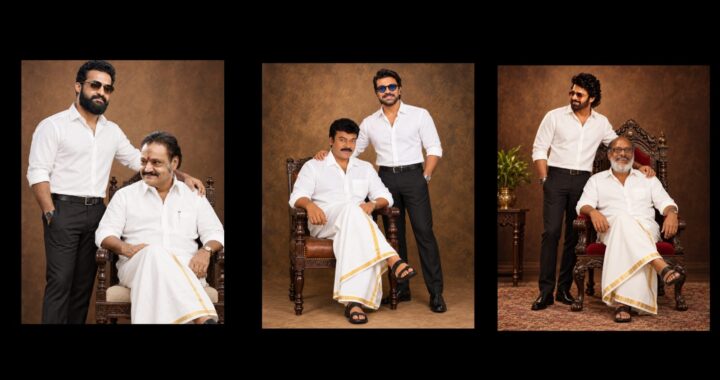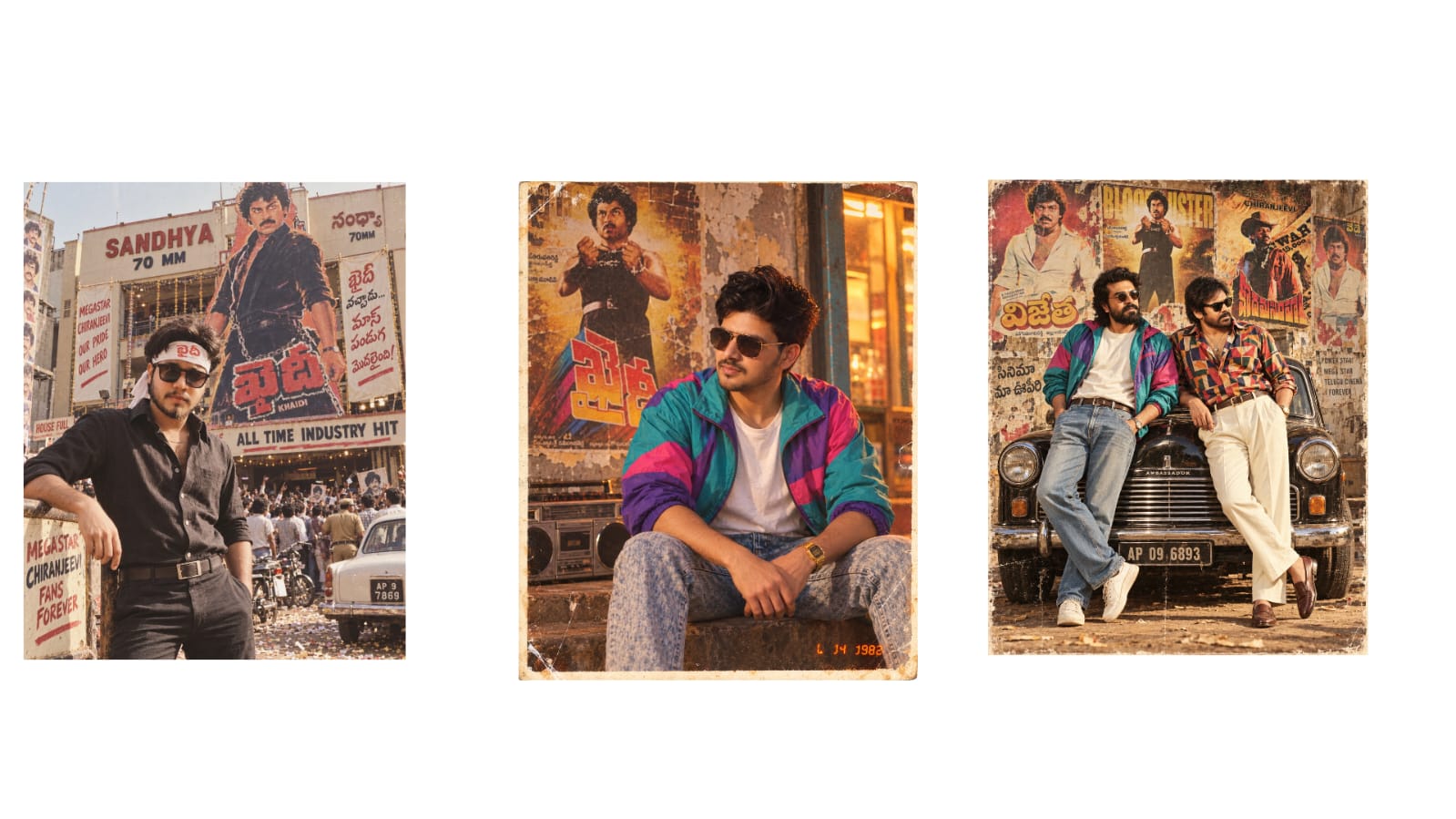
Recently, these kinds of videos have been trending a lot. In this video, I will tell you how to create them for free and without limits, which will be very helpful. A lot of people are explaining this, but they only explain half of it and don’t show it properly. I will explain it in great detail in this video. You can recreate any scene, any photo, or any video with your own clip very realistically, and that too, without any limits. First, I will explain this process in two simple steps so that you can understand it much better. I will take very little time and explain it easily. First, what you need to do is keep the scene or video that you like ready with you. After that, go to ChatGPT and upload a photo of yourself. If you are doing this for a couple’s video, put a woman’s photo and your photo. You just need to type a command next to it, and it will generate a photo for you. It will give you a generated photo with full body details. And another thing, if you are doing this for a woman, you can use the same text style to generate a body template. First, download that photo.
The next step is to create it using AI. For that, let’s directly go to Google. Go to Google and search for a site called “Hixfield” if you want to create unlimited videos. I assume you might already have an idea about it, but I will still explain it once. Search for Hixfield and open the site. After opening it, you first need to log in here. Make sure to log in somehow. Once logged in, you will need to grant some permissions. Go ahead and allow all the permissions, don’t worry. Try to log in with a completely new email ID. This is because you will get free credits, making it easy for you to edit without paying any money.
After that, click on the search or generation option at the top. Once you click it, you can switch to desktop mode if you prefer, or just keep it in normal mobile mode. Any mode works fine. Once set up, we need to upload the video clip I mentioned earlier. If you want, I have provided three video clips—the Paradise song, the Radhima song, and the Master movie entry scene—in the description for you to check out. I will also provide a prompt there. As an example, I am uploading the Paradise song clip here. After selecting it, click on the option right below it to add your image. If you are making a couple’s video, add two images; for friends, you can add three photos, up to even 30 photos. But since I only need one photo here, I am uploading and selecting my photo. Below that, you will find a prompt option.
Turn on the prompt option, copy the prompt I provided below, and paste it here. This exact prompt will work for any video you choose. If you want to make minor changes to it, you can do that too. After that, you will see a generation option below, which is the free option. Click on that free option, and your video will start generating. Sometimes it might fail to generate; if that happens, just log in with a different Gmail account. If you use a fresh email, at least one video is 100% guaranteed to generate. It will even generate a long, high-quality video of about 30 seconds. If you want to create unlimited videos, simply use another email.
Use as many emails as you want, and you will get one video per email ID. Please don’t complain later that I didn’t tell you this trick! One more thing to note is that generating this video will take some time. It might take around 6 to 7 minutes, or sometimes even 10 minutes depending on the length of your video clip.
As you can see, our video is now completely ready here. It has turned out really well. Now I can post this video on Instagram or anywhere else. You don’t have to use just this clip; you can recreate any video you like. As I said, if it doesn’t generate, try with a new email and a good video will be created. If you have any doubts, leave a comment. Jai Hind!