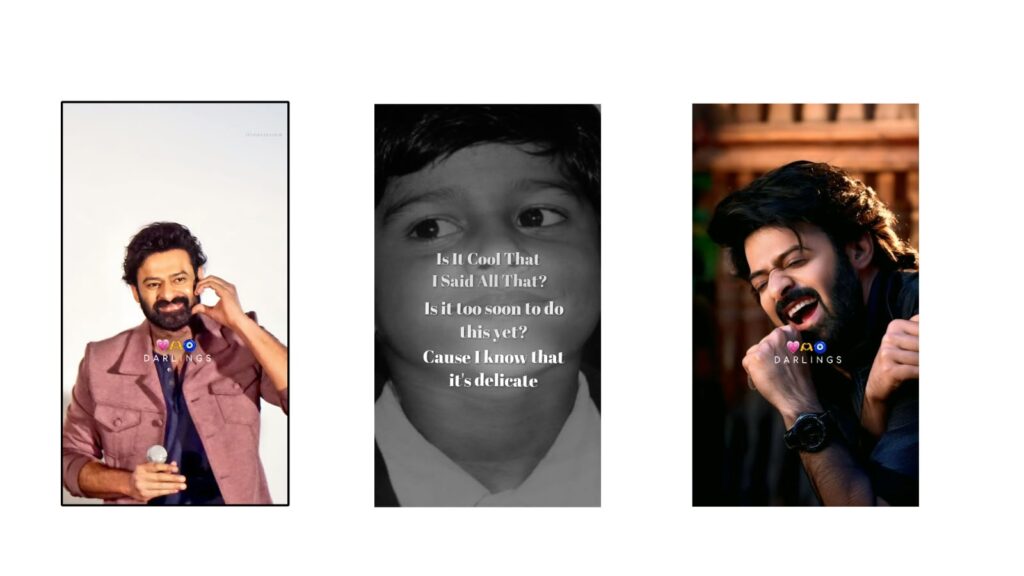
Recently, this remix song has been very trending, blending the tracks “Delicate” and “Dil Se.” It sounds amazing, so first, let’s watch the demo. Please like the video and try editing this yourself, as the final look turns out really good. Now that you’ve watched it, leave a comment below to share your thoughts.
As I mentioned at the beginning, I did all of this in the Ultra Motion app, using the latest version that came out today. I have provided the link for it in my Telegram channel, which you can find below—it will be incredibly useful for you. Even though I created this using two apps, I will share the link so you don’t need to worry. First, they have heavily customized some options in this Ultra Motion app, and I will explain all of that in detail. The download link is in the description, but if it doesn’t open directly, simply copy and paste it into your Chrome browser.
Once you are there, just click on import. Alternatively, you can use the clone app—I am using the Ultra Motion clone app and have shared that link as well. Since I edited this in both Alight Motion and Ultra Motion Clone, you can try whichever app you prefer.
Opening the project section in the clone app, you can see several changes to the options, making them much clearer. I will explain these specific settings to you later. Looking at the same project in Alight Motion, the starting section is set up with a small video clip I took from an Instagram creator, but you can customize this part however you like. If possible, I will try to share that original video clip too. Our main video starts right after, beginning with a photo because it pairs perfectly with the English lyrics. I planned some animations for it and went ahead with what worked best. If this song gets a good reach, I have a great idea in mind to make an even better version of it later.
After that initial part, the main photo sequence begins. You might think I did all of this solely in Alight Motion, but I actually switched to this app specifically because I needed a deep glow effect. If you select the photo and look at the “Deep Glow 2” option, the before and after comparison shows how attractive it makes the animation, so I highly recommend using it. I will provide the link, and whether you choose to use photos or videos is entirely up to you. It looks amazing, the lyrics turn out super cool, and once you check it over, you can save it. The app link is provided below, and it comes with many benefits. I recently made a video on it, and I will create another detailed guide on Ultra Motion soon to explain a few more of these options to you.



