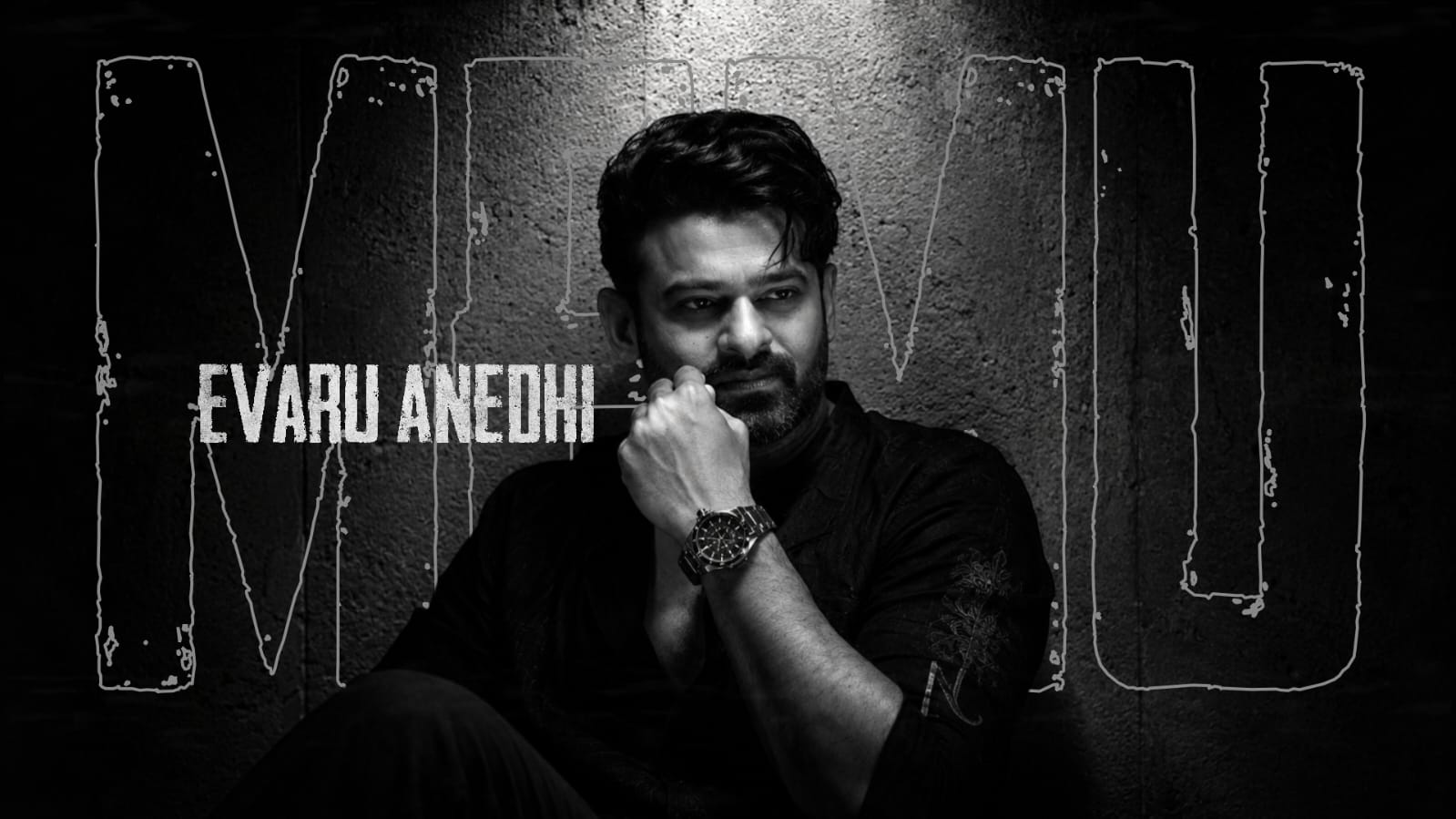
Portrait retouching is one of the most popular areas of photo editing. A well-edited portrait can improve lighting, skin appearance, colors, and overall presentation while preserving the natural character of the person. The objective is not to completely change the subject but to remove unnecessary distractions and bring more attention to important facial details.
Whether a portrait is captured using a smartphone or a professional camera, careful editing can make the final image look cleaner and more polished. The most important part of portrait retouching is maintaining balance.
Start With Exposure Correction
Before working on skin or facial details, check the overall exposure of the photograph. A portrait that is too dark may hide facial features, while excessive brightness can remove important details.
Adjust exposure gradually until the face is clearly visible. Highlights can be reduced when areas such as the forehead or cheeks appear too bright. Shadows can be increased slightly when darker areas around the face need more detail.
Avoid making the entire photograph equally bright. Natural variations between light and shadow help create depth and dimension.
Correct Skin Tone
Skin tone is one of the most important elements in portrait editing. Different lighting conditions can create unwanted yellow, orange, green, or blue tones.
White balance adjustments can help create a more natural starting point. Temperature controls can make the image warmer or cooler, while tint adjustments can correct unwanted color casts.
After correcting the overall image, selective color controls can be used to refine skin tones without significantly changing the background.
Always compare the edited portrait with the original to make sure the skin still looks believable.
Remove Temporary Blemishes
Small blemishes, spots, dust, or temporary marks can sometimes distract from an otherwise strong portrait. Healing and cleanup tools are useful for reducing these elements.
The key is knowing what to remove. Temporary distractions can be cleaned up, while natural features that define a person’s appearance should generally remain unless a particular creative result is required.
When using healing tools, work with small areas rather than applying large corrections. This helps preserve natural skin texture and prevents visible editing patterns.
Preserve Natural Skin Texture
One of the most common portrait editing mistakes is excessive skin smoothing. Strong smoothing can remove pores, fine details, and natural variations, making the face appear artificial.
Instead, focus on balancing noticeable distractions while keeping genuine texture visible. Subtle adjustments usually produce more professional results than completely smooth skin.
When checking skin retouching, view the portrait both zoomed in and at normal size. Small imperfections that appear significant at extreme magnification may not be noticeable in the final image.
Enhance the Eyes Carefully
The eyes naturally attract attention in portraits, so small improvements can strengthen the photograph.
Slight brightness adjustments can make the eyes clearer, while controlled sharpening can improve detail around eyelashes and the iris. However, making the eyes extremely bright or saturated can quickly create an unnatural appearance.
The whites of the eyes should also remain realistic. Excessive whitening can make them look disconnected from the lighting of the photograph.
Small changes are usually enough to create a noticeable improvement.
Improve Hair Details
Hair can contain important texture that may become hidden in shadows or lost because of poor lighting. Increasing shadow detail or applying selective clarity can reveal more definition.
When working around hair edges, avoid excessive sharpening. Fine strands naturally contain different levels of focus, and making every strand equally sharp can look unrealistic.
Hair is also important when separating a person from the background. Careful edge refinement can create a cleaner result when backgrounds are adjusted or replaced.
Reduce Background Distractions
Portrait retouching is not limited to the face. The background has a major influence on how viewers perceive the subject.
Bright objects, clutter, signs, or strong colors can compete for attention. Cropping may remove some distractions, while cleanup tools can reduce smaller unwanted elements.
Another technique is to slightly lower background brightness or saturation. This can help the subject stand out without requiring complete background replacement.
Background blur can also improve separation, but it should match the depth and focus of the original photograph.
Refine Clothing and Accessories
Small distractions on clothing can sometimes reduce the polished appearance of a portrait. Dust spots, wrinkles, or unwanted reflections may be reduced when appropriate.
Accessories such as glasses, watches, jewelry, and other reflective objects may require additional attention. Bright reflections can sometimes be softened while preserving the natural appearance of the material.
Avoid removing all texture from clothing because fabric details contribute to the realism of the photograph.
Use Local Adjustments
Local editing allows specific areas of a portrait to be changed without affecting the entire image.
For example, the face can be brightened slightly while keeping the background unchanged. Shadows under the eyes can be softened without modifying other dark areas. Hair or clothing can receive additional detail without increasing sharpness across the entire photograph.
This targeted approach provides greater control and often creates more natural results than global adjustments.
Check the Image at Different Sizes
A portrait may look excellent while zoomed in but appear over-edited when viewed at normal size. Regularly switching between close and full-image views helps maintain balance.
Pay attention to skin texture, edges, eye brightness, background transitions, and overall color.
It can also be useful to compare the finished image with the original. The comparison helps determine whether the changes improved the portrait or simply made it different.
Portrait retouching is most effective when improvements remain subtle and purposeful. Balanced exposure, natural skin tones, careful blemish removal, preserved texture, and controlled detail enhancement can make a portrait look polished without losing authenticity.
Rather than trying to perfect every small detail, focus on elements that genuinely distract from the subject. Use local adjustments where possible, maintain realistic lighting, and review the complete photograph before exporting.
A successful portrait edit should make the subject stand out naturally while keeping the photograph clean, balanced, and visually appealing.
Full Project
XML file
Song link