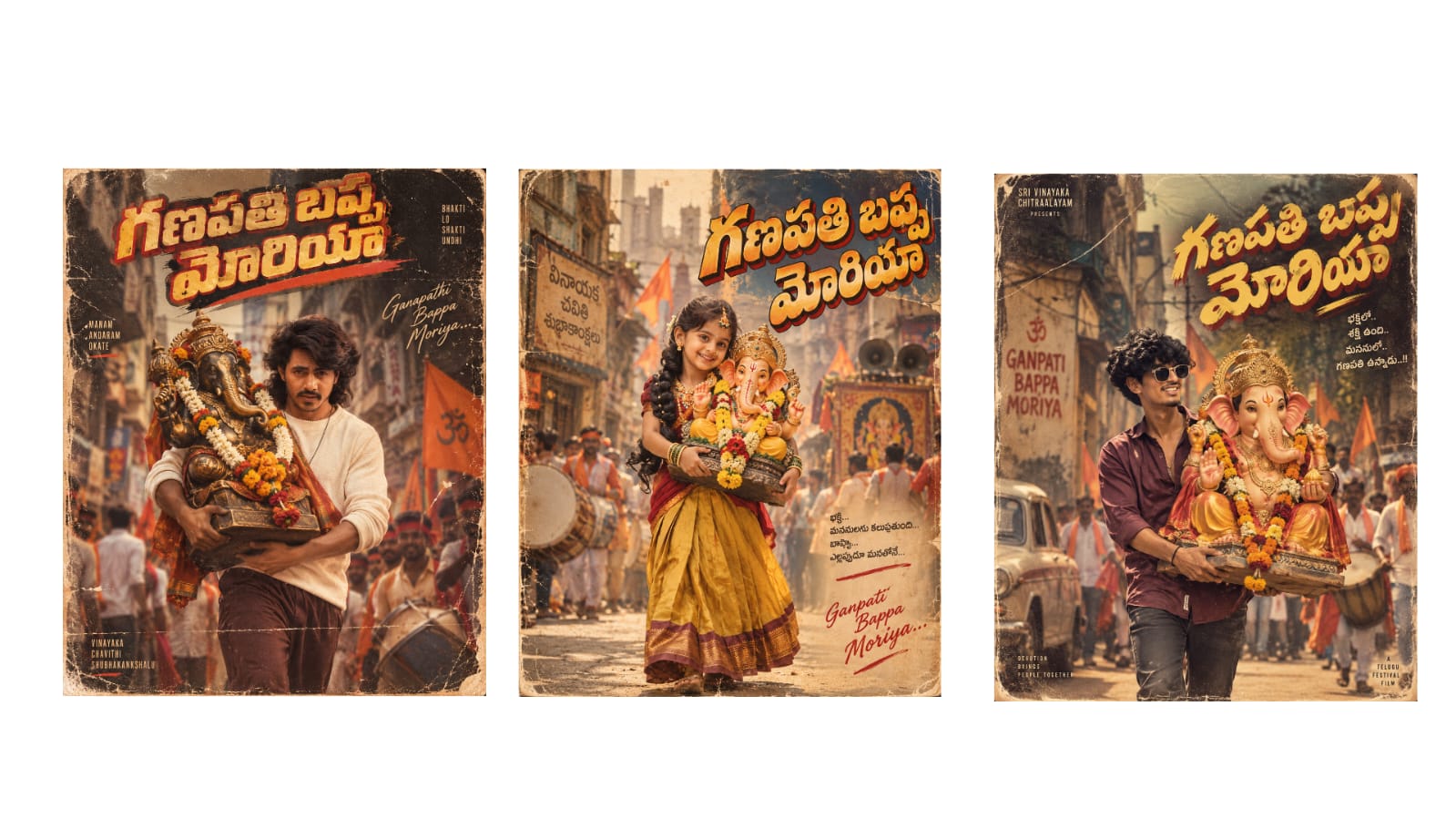
Everyday in the morning, even before the sun rose, he used to go to his field. Be it scorching sun or heavy rain, he worked hard for his crops. Days later, a heavy rain poured down in the village. I will show you completely how to create such long AI story videos. So first, you open the ChatGPT app, and in the “Ask ChatGPT” section, ask for the story you want. Here, look at this, I need a story. I typed “moral stories and a one-minute video about a farmer’s hard work” and sent it. As soon as I sent it, a one-minute story about the farmer appeared, look. If you like this story, you can use it. If you don’t like it or if you want other stories, it keeps giving a few more stories. Or, if you already have a story with you, paste it here and type a line at the very end saying “I need a story based on this” and send it.
So, as soon as the message is sent, it will generate scene-by-scene. Even if it doesn’t give it scene-by-scene, there’s no problem. If the exact story you provided comes back, it’s completely fine. In that case, we just have to ask again that we need it scene-by-scene. I didn’t ask for it, but it came directly. Even if you don’t get it, there’s no issue. I will provide a prompt template in my Telegram channel and WhatsApp as well. You can copy that message and directly paste it here. I will also show you what I typed and what it is. I will share that message on my Telegram and WhatsApp. If you want, you can copy and paste it directly. So, for us, it gave it scene-by-scene like this, right? I am pasting it directly from here, look: “In this video, I need a voiceover, background music, and sound effects. The story must maintain consistency throughout. Include a character consistency feature. I need this story prompt in a 3D Indian cartoon style, Indian village style—not Pixar, not realistic—I want it in 3D. Give me scene-by-scene video prompts along with Telugu dialogues and a voiceover.” I sent a return message like this.
Once sent, now we also need a voiceover, right? Look here, it generated a master style prompt like this. Right below that, for character consistency, it first gives character prompts. Look here, under the character consistency prompts, Character 1 is Ramu (the father). Similarly, Character 2 is Ramu’s son. We can also give them any names. We need both of them since the story takes place between the father and son. After that, look here, we have the prompt for Scene 1 under the scene-by-scene list. Similarly, the voiceover is listed below it. Look below, there is also BGM and SFX. Then in Scene 2, there is a video prompt about the farmer’s hard work, along with the voiceover. Like this, we have seven scenes, eight scenes. If your video is around two minutes, you will get more scenes. If it’s a 5-minute video, you’ll get even more. This way, the video prompt, voiceover, music, and SFX—everything has been generated completely, right? Look here, the BGM, SFX, and voiceover have all arrived. We have everything ready for all the scenes we have.
So now, first, we need to create the characters. We have Character 1, the father Ramu, right? We have that character prompt. You need to copy that entire prompt. Copy Character 1 (the father) like this and open the Chrome browser on your phone. In the search bar, search for “Google Flow”. Tap on the first site, and the Flow website will open. First, you need to sign up with your Gmail account. If you sign up, you will get 50 free credits. If you or any of your friends have a subscription, activating Google Gemini Pro will give you 1000 free credits. Get a Pro subscription like this. After taking it, look at this dashboard, I have set it to desktop site mode. You should also switch to the desktop site and tap on “New Project”. As soon as you tap on “New Project”, the studio will open like this. Look at the second option here, it says “Characters”. Tap on “Characters” because we need to create the characters first.