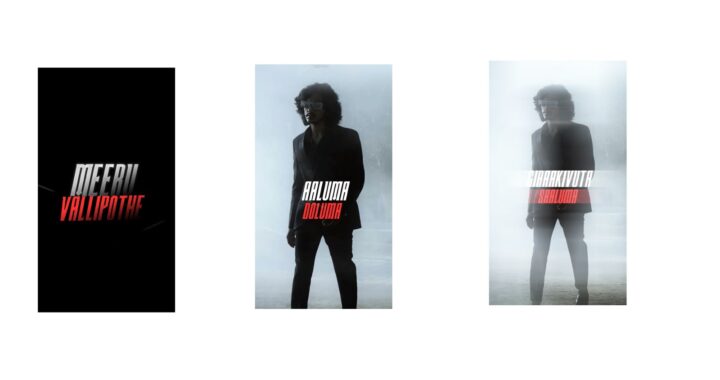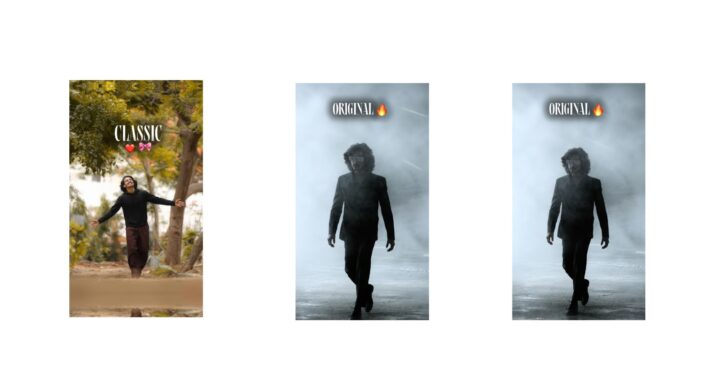
The creator explains that this AI completed a task that usually takes their editor days in a fraction of the duration. In fact, the very video being watched was edited by the AI, and the script being spoken was also written by AI. The creator’s only role in this video was approving questions asked by Claude by saying yes. They acknowledge it is hard to believe, but it is true, and it completely shifts the perspective on video editing. Many people believe that to become a content creator, you must learn professional editing, but this video will show to what level that is actually necessary. The creator promises to break down the exact costs of the video at the end, which will be shocking.
First, they look back at what editing a simple YouTube video used to entail: reviewing raw photos, making boring and time-consuming cuts, writing captions, zooming in on important words, adding graphics, and placing sound effects. Doing this manually, line by line, easily took a long duration, and adding motion graphics could extend the process significantly, regardless of the editor’s experience. Hiring editors also meant incurring distinct expenses per video, making content creation seem daunting to beginners who didn’t know how to edit or didn’t want to spend long periods learning. While people have been using AI for editing recently, the results were average until the Claude Opus 5.5 model arrived, which changed the entire game and outperformed competing models.
The workflow begins by using Claude’s desktop application, as this setup only works on the desktop app and not on the web browser version. The creator sets up a folder with the raw video footage alongside another folder named “Reference,” which contains specific motion graphics and editing styles they want the AI to emulate. After ensuring the Opus 5.5 model is correctly selected in the code environment, they paste a prompt instructing Claude to follow the reference file’s style and add motion graphics where needed. The prompt also specifies that the editing should be configured for After Effects. After a nervous wait, Claude generates the first draft. The creator then requests minor adjustments to add more motion graphics in certain areas, which the AI completes quickly. Finally, they provide a sound effects pack, and Claude automatically places the SFX and music perfectly throughout the timeline, renders the final video, and saves it directly to the downloads folder.
The creator applied a similar process to edit a short Reel, using raw and reference folders to guide Claude on the desired visual style. A key benefit is that everything Claude creates for After Effects remains fully editable, meaning human editors or creators can easily refine and polish the base motion graphics themselves. The entire Reel was completed quickly, with a final revision taking only one additional prompt.
Addressing the question of whether editors will lose their jobs, the creator states that jobs will not disappear; instead, editors who learn to use models like Claude will find their work much faster and easier, allowing them to handle more clients. Only those who ignore these tools will fall behind. For the cost breakdown, the creator shares that their Claude plan costs ₹2399 including GST. Since they used it to edit multiple Reels in a single week without exhausting their weekly credits or session limits, the per-unit cost calculated to just ₹90 per video. This heavily contrasts with the traditional method of hiring human editors, which typically costs ₹1000 to ₹1500 per video. The creator concludes by promising a future, deeper video to explore more editing possibilities with Claude.