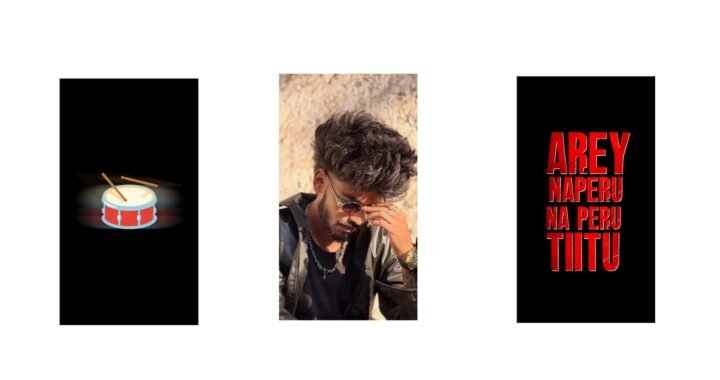
This song has been trending a lot recently. If I show you a demo of it, you will get an idea. Look, it is very good. Do try it without fail. Both girls and men/women can try it. Take a look at it once. As you can see, the video looks amazing. What I’ll do is show you a reel once so you can get an idea. Look here, they are all just like this. Making this is very easy. If possible, add a 1-second video clip at the start because these kinds of videos are trending, but we will try it entirely with photos. Let’s add a small video clip at the beginning and try it in a different way, okay?
First, watch the video until the end, it will be very good. If you are impressed, you can try it. First, I will also give you a prompt. That prompt is because you can first add a normal sitting photo or a sitting video clip, and after that, to make it look very attractive like a transparent effect, try those things. It will be very good. Now, as an example, I will show you a normal video. Let’s put this sound on mute. This is a video I saw on Instagram. Okay, this video has a normal sitting video at the start, and after that, it goes like this. Not just this, every video is exactly like this. Look, most videos are like this. This is very simple. If possible, use a video, otherwise use a photo.
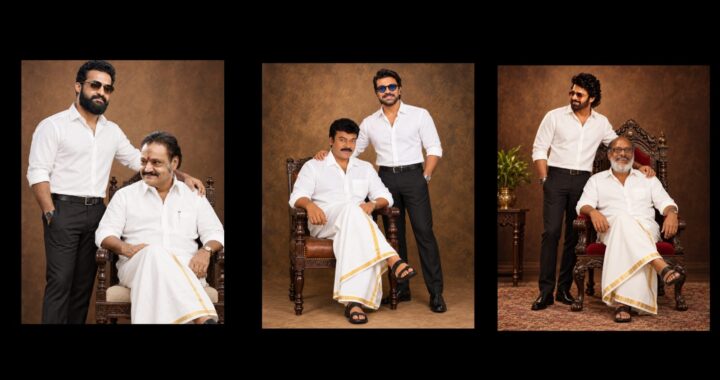
First, I generated a photo in that photo-shoot style. Look here, I will give a prompt for both men and women. In that, if you are making it for a man, replace “woman” with “man” in the prompt. If it is for a woman, you can continue with “woman”, and the photo will be generated. Upload your normal photo and create this kind of video easily. After creating it, our next step is to open a project file that I have provided in the description. Let’s open it. I will explain this, first try it out. If you don’t have the Alight Motion app, it is available on Telegram and WhatsApp. If you face any problem importing the project, I will provide a video link below. Watch that recently made video or use the XML file. Download the XML file and add it from there. And lastly, I forgot to mention one thing, the font is very important, so please use the font. I used that same font in a video two days ago as well.
Now, let’s open the project. After opening it, let’s turn on the camera. I have placed the camera like this, it looks normal like this. Suppose you plan to add a video clip right at the beginning, I will tell you a solution for that. For the camera rotation at the start, go to ‘Move and Transform’, then go to ‘Rotation’ and remove a keyframe. You can add a video clip at the start. For example, let’s assume this is a video clip you shot from Instagram. How much of it do we need? We need it up to this point, so keep it only till there and cut the extra part. From here, that effect will come automatically, look. It will appear from here, our photo will arrive, and if you have a video, you can keep a video too. If you just want to keep photos and try it with a single photo, first I am taking everything back to how it was initially. After doing that, there will already be a video clip photo in it. Okay, you just need to turn that single photo into a PNG. Upload your single photo to the PhotoRoom app, and it will remove the background for you. I will also explain why we need to do that.
Now, for example, there is an image of a woman’s photo here, right? I am downloading this photo. Okay, open the app with the downloaded photo and I am uploading that photo here to remove the background. The background is removed. The photo looks good. Okay, let’s add the photo. To continue with the photo, click on that photo in this place, go to ‘Color and Fill’, and put the photo we made there. Sorry, select the PNG photo, not the original photo. Just a minute, this is added. Scroll a little bit, and the PNG photo will be here in the same size. It will be exactly in 9:16 size. Let’s replace it with this PNG photo, and our video is ready here, look. It turned out really superb.
It’s this easy to try it this way. If you don’t like that suit style, I will tell you a solution for it, which is to open ChatGPT. Let’s open it. First, I copied this prompt. Okay, now let’s go into its edit option. Go to ‘Edit Message’ and in the middle here, look. This black suit description that we have, I am removing it. Just a minute, you remove it where the black suit description is. Okay, I changed it to “same dress”. If you remove the t-shirt description and put it, it will create a sitting photo in that same dress, which could be a saree. That same photo can be tried in the Alight Motion app in the same way. It is very simple. If you like a suit in a different color, try a suit. If you like a traditional dress, try that, or you can try various other dresses. That’s all, after that, your photo will generate easily, and you can try it out. That’s it, if you have any other doubts, please comment. The Alight Motion app project file is below, and if there is a problem, the video is also below, check it out. Jai Hind!