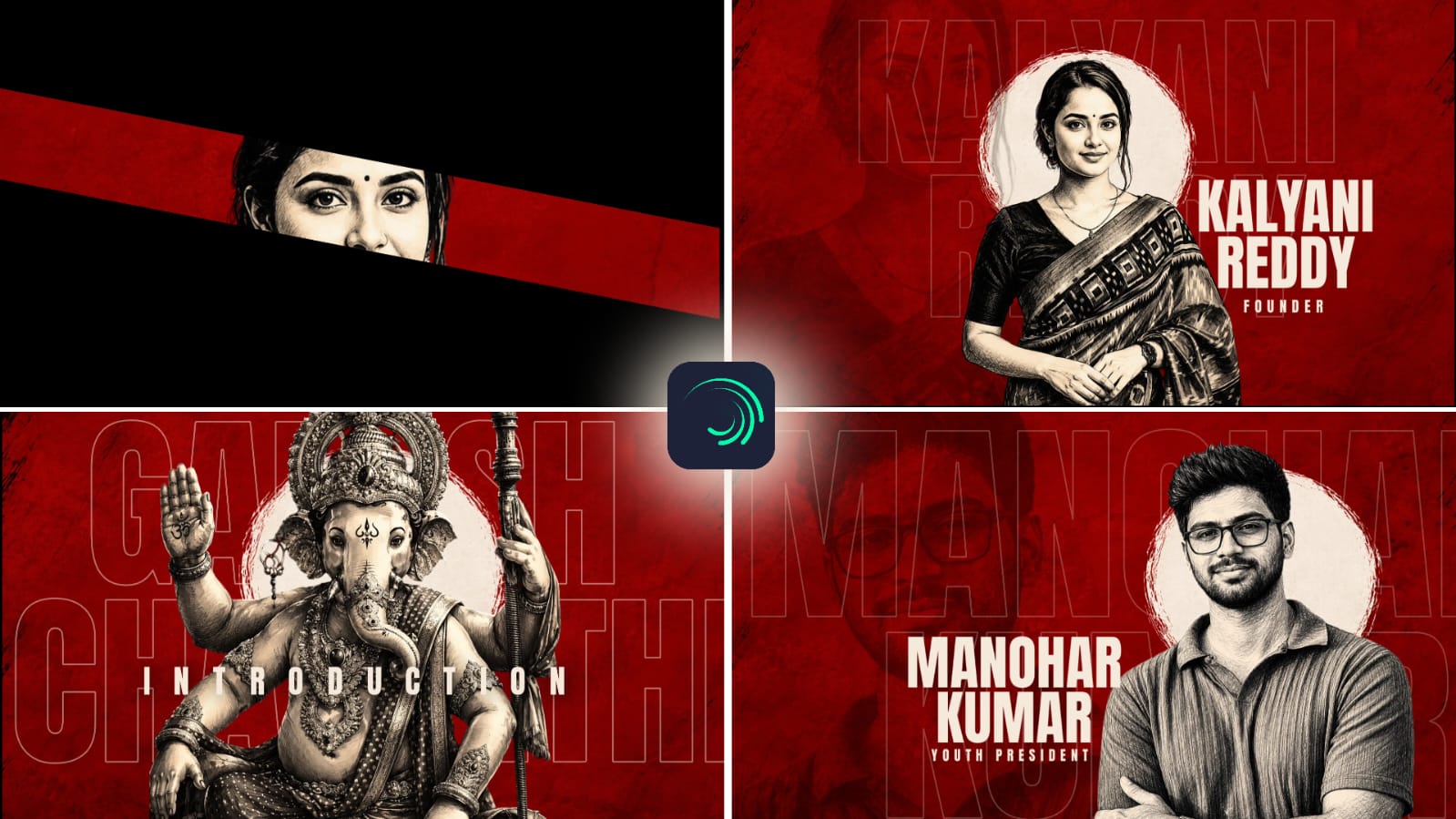
Photo editing has become an essential part of digital content creation. Whether an image is captured with a smartphone, mirrorless camera, or professional DSLR, editing can improve its overall appearance and make it more suitable for websites, social media, advertisements, and personal projects. Modern editing applications provide powerful tools for correcting lighting, adjusting colors, removing distractions, and creating distinctive visual styles. Learning how to use these tools properly can turn a simple photograph into polished digital content.
Begin With Image Organization
A good editing workflow starts with proper organization. Before making adjustments, create a copy of the original photograph and work on the duplicate. This protects the original file and allows you to experiment with different ideas.
It is also helpful to organize photographs into folders based on projects, dates, or subjects. When working with many images, proper organization saves time and makes it easier to locate specific files later.
Analyze the Photograph Before Editing
Do not immediately start changing sliders when opening an image. First, examine the photograph carefully. Look at exposure, composition, colors, sharpness, background distractions, and the overall mood.
Decide what needs improvement and what should remain unchanged. This simple step prevents unnecessary editing and helps you create a clear workflow. A photograph may require only a few corrections rather than a complete transformation.
Balance Exposure
Exposure is one of the most important adjustments in digital editing. A photograph that is too dark may hide details, while excessive brightness can remove information from lighter areas.
Start with the overall exposure and then adjust highlights and shadows separately. Reducing highlights can recover details in bright skies or reflective surfaces. Raising shadows can reveal information in darker areas.
After these corrections, use contrast carefully. Moderate contrast can add depth and make the subject stand out without destroying details.
Refine Color and White Balance
Color grading can strongly influence the mood of a photograph. Before applying a creative color style, make sure the white balance is accurate.
Temperature controls the warm or cool appearance of an image, while tint can correct unwanted green or magenta tones. Once the basic color balance is correct, adjust individual colors if necessary.
For example, landscape photographs may benefit from carefully enhanced greens and blues, while portraits generally require realistic skin tones. Avoid applying the same color treatment to every type of photograph.
Improve Dynamic Range
Dynamic range refers to the amount of detail visible between the darkest and brightest parts of an image. Editing tools can help balance these areas.
Shadow recovery can reveal information in darker regions, while highlight recovery can restore detail in bright portions. However, extreme adjustments may create a flat or unnatural appearance.
The goal is to maintain enough contrast while preserving useful details throughout the photograph.
Use Layers and Masks
Advanced editing applications often provide layers and masking tools. These features allow changes to be applied selectively instead of affecting the entire image.
For example, you can brighten a person’s face while leaving the background unchanged. You can increase color in the sky without changing the subject’s clothing.
Masks provide precise control and are especially useful for portrait editing, product photography, and creative compositions. Learning basic masking techniques can significantly improve editing accuracy.
Remove Background Distractions
A clean background can make the main subject more noticeable. Unwanted objects such as wires, signs, stains, or random people can often be removed with healing, cloning, or object-removal tools.
When performing these edits, pay attention to shadows, textures, and repeating patterns. A background that appears realistic from a distance may reveal obvious editing mistakes when viewed closely.
Enhance Details Carefully
Clarity, texture, and sharpening tools can improve the appearance of details. They can be useful for architecture, products, landscapes, and clothing.
Portraits require more restraint because excessive detail enhancement can emphasize pores and imperfections. Sharpening should also be applied carefully because strong settings can create unwanted outlines.
Noise reduction can improve low-light photographs, but excessive use may make the image look soft.
Create a Consistent Visual Style
Creators who regularly publish photographs can benefit from developing a consistent editing style. This may involve similar color tones, contrast, brightness, and overall mood.
Presets can help speed up repetitive editing, but they should be treated as starting points rather than final settings. Each photograph has different lighting and composition, so small adjustments are usually necessary.
A consistent visual style can make a portfolio, website, or social media page look more professional.
Export for the Correct Purpose
The final export should match the intended use. Web images generally benefit from appropriate resizing and compression, while photographs intended for printing require higher quality.
Before exporting, inspect the final image at full resolution. Check edges, colors, skin tones, removed objects, and areas affected by sharpening. Save a high-quality master file separately so you can create additional versions later.
Conclusion
Advanced photo editing is not simply about using more tools. It is about making precise decisions that improve the photograph while maintaining a believable appearance. Exposure correction, color refinement, selective masking, background cleanup, detail enhancement, and consistent styling can dramatically improve digital content.
The most effective workflow combines technical knowledge with creative judgment. By analyzing every photograph before editing and applying adjustments selectively, creators can develop a professional style and produce high-quality images for websites, social media, businesses, and personal projects.
Full Project
XML file
Song link



