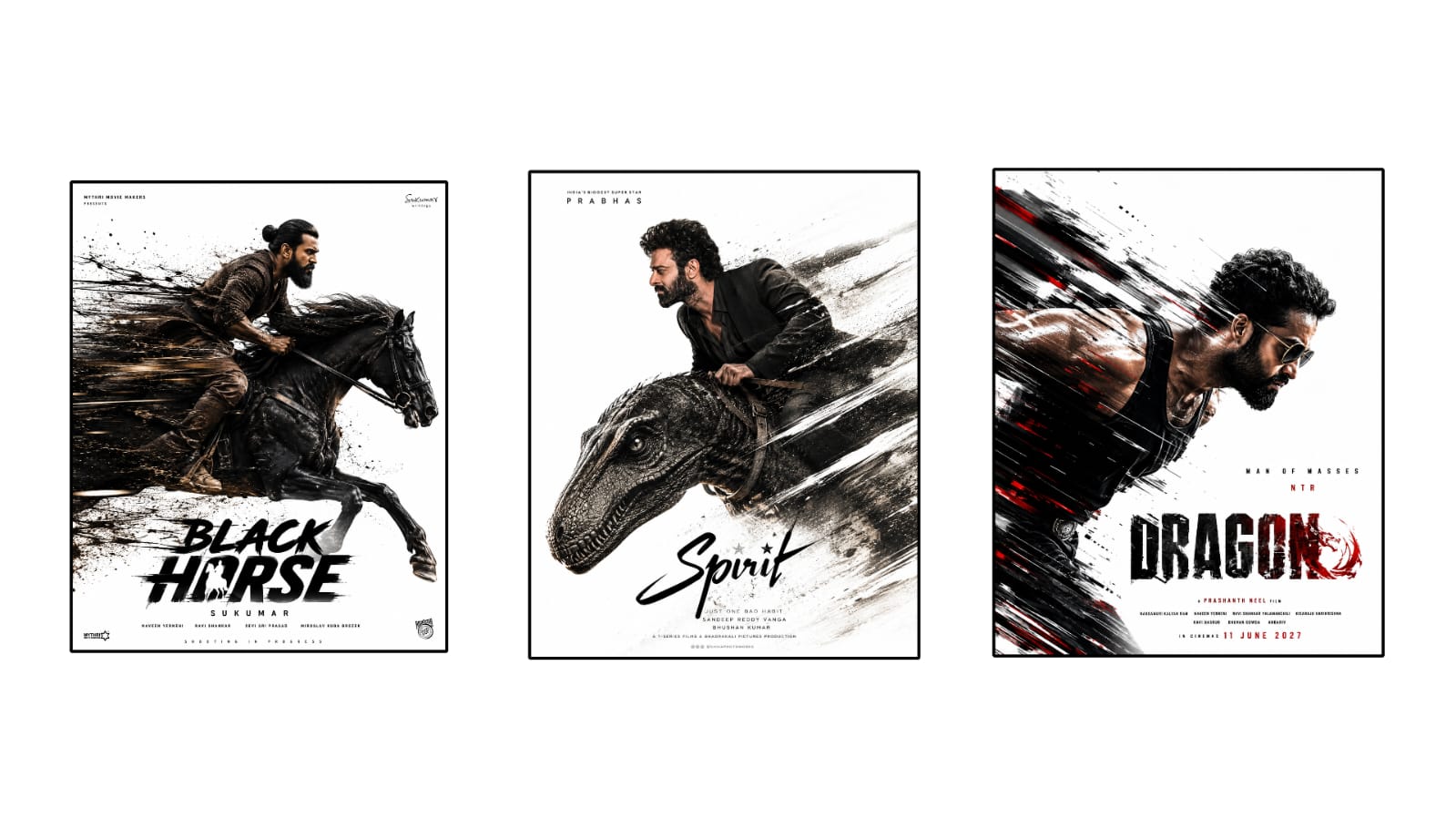
Color grading is one of the most powerful techniques used in professional photo and video editing. It transforms ordinary visuals into cinematic masterpieces by adjusting colors, contrast, brightness, and mood. Whether you are editing travel videos, wedding films, YouTube content, product photography, or social media posts, understanding color grading can dramatically improve the quality of your work. While modern editing software offers AI-powered tools that simplify the process, learning the fundamentals of color grading allows creators to produce consistent and visually impressive results.
The first step in color grading is correcting the original image. Before adding creative color effects, editors should adjust exposure, white balance, contrast, and saturation to create a balanced starting point. Proper color correction ensures that skin tones appear natural, highlights retain detail, and shadows remain visible. Skipping this step often leads to inconsistent results that become difficult to fix later.
White balance is one of the most important adjustments during editing. Different lighting conditions create different color temperatures. Indoor lighting often produces warm yellow tones, while cloudy weather creates cooler blue shades. Adjusting white balance restores realistic colors and provides a clean foundation for further enhancements. Correct white balance is especially important for portraits, product photography, and commercial advertising.
Contrast helps define the relationship between bright and dark areas. Increasing contrast creates bold and dramatic visuals, while reducing contrast produces a softer, more cinematic appearance. Professional editors carefully balance contrast to preserve details in both shadows and highlights while maintaining a natural look.
Shadows and highlights provide greater control over lighting. Recovering highlights helps restore details in bright skies, reflective surfaces, and white clothing. Increasing shadow brightness reveals hidden details in darker areas without affecting the rest of the image. Proper use of these controls creates depth and improves the overall visual balance.
Color temperature influences the emotional feel of an image. Warm color tones often create feelings of comfort, happiness, and nostalgia, making them ideal for travel, family, and lifestyle content. Cooler tones suggest professionalism, mystery, or modern design, making them suitable for technology, architecture, and cinematic storytelling.
Saturation determines the intensity of colors. While vibrant colors attract attention, excessive saturation can make photos appear unrealistic. Many professional editors prefer adjusting vibrance instead, as it enhances less saturated colors while protecting already colorful areas from becoming oversaturated.
Selective color adjustments allow editors to modify individual colors without affecting the entire image. For example, blue skies can become richer while maintaining natural skin tones. Green landscapes can appear more vibrant without changing surrounding objects. This level of precision helps create polished and professional visuals.
Curves are among the most powerful editing tools available. By adjusting tonal curves, editors control brightness and contrast across different parts of an image. Gentle curve adjustments improve dynamic range while preserving important details. Although curves may appear complex initially, mastering them greatly expands creative possibilities.
Split toning adds different colors to highlights and shadows. Applying warm highlights and cool shadows creates cinematic depth that is commonly seen in movies and premium commercial advertisements. When used carefully, split toning adds personality without making images look artificial.
LUTs, or Look-Up Tables, provide predefined color grading styles that can instantly transform footage. Many creators use LUTs as starting points before making additional adjustments to match their unique visual style. While LUTs save time, customizing them ensures that every project maintains consistency and originality.
Skin tone accuracy remains essential throughout the grading process. Even when applying creative color effects, natural-looking skin tones should be preserved. Professional editors frequently monitor skin colors separately from the rest of the image to ensure realistic results.
Modern AI-powered editing software now assists with color grading by automatically analyzing lighting conditions and recommending balanced adjustments. These intelligent features reduce editing time while helping beginners achieve professional-quality results. However, manual refinement remains valuable because every project has unique creative requirements.
Consistency across multiple photos or videos is another hallmark of professional editing. Using similar color grading techniques throughout a project creates a unified visual identity. This consistency is particularly important for YouTube channels, wedding albums, brand advertisements, and social media campaigns where maintaining a recognizable style strengthens audience engagement.
Finally, exporting graded images or videos using appropriate settings preserves the quality of your work. High-resolution exports maintain sharpness, color accuracy, and fine details across different devices and platforms. Choosing the correct file format also ensures compatibility for printing, websites, and digital publishing.
Color grading is both a technical skill and a creative art. It allows editors to guide emotions, improve storytelling, and establish a recognizable visual style. By mastering exposure correction, white balance, contrast, selective color adjustments, curves, and modern AI-assisted tools, creators can consistently produce professional-quality photos and videos that leave a lasting impression. Regular practice, careful observation, and continuous experimentation will help every editor develop a unique color grading style that enhances the impact of their visual content.



