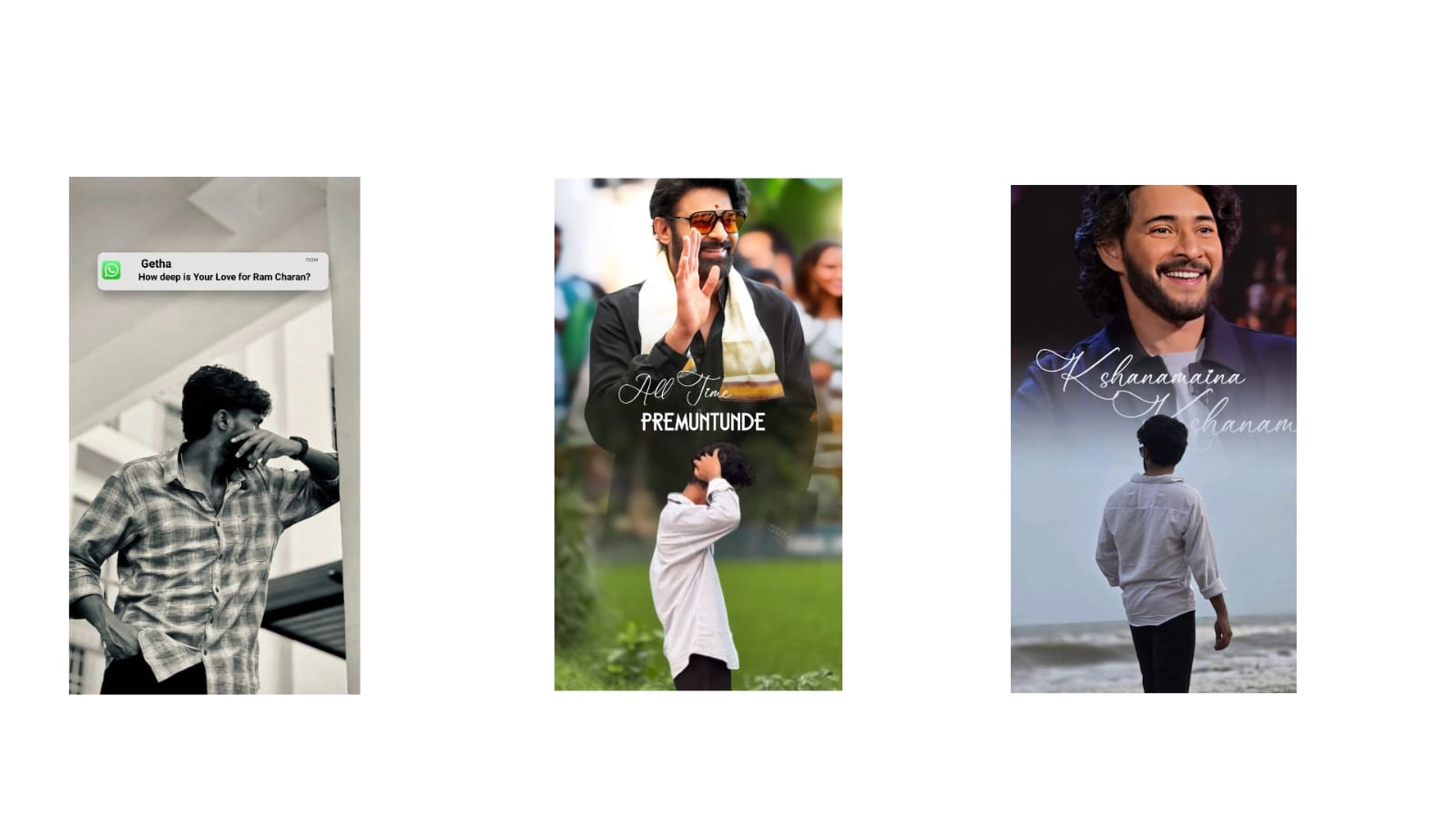
Creating high-quality visual content has become more important than ever. Whether you are a YouTuber, blogger, photographer, online seller, or social media creator, professionally edited photos can attract more viewers and leave a lasting impression. While modern editing applications include advanced AI tools that simplify the editing process, understanding the basic editing techniques is still essential. Learning these skills helps you create consistent, visually appealing images that reflect your personal or brand identity.
The editing process begins with selecting the right image. Even the best editing software cannot completely fix a poorly captured photograph. Choosing an image with good focus, proper lighting, and balanced composition provides a strong foundation for further improvements. Always review multiple shots before deciding which image to edit, as selecting the best original photo reduces editing time and produces better results.
One of the first adjustments editors make is correcting exposure. Exposure determines how bright or dark a photo appears. If an image is underexposed, increasing brightness can reveal hidden details without making the picture look unnatural. Similarly, reducing exposure can recover details from overly bright areas. Small, gradual adjustments usually provide the most natural appearance.
Contrast is another fundamental editing tool. Increasing contrast enhances the difference between light and dark areas, making subjects stand out more clearly. However, applying too much contrast may result in the loss of fine details. Professional editors generally aim for a balanced look where images remain vibrant while preserving natural textures.
Highlights and shadows provide greater control over lighting. Reducing highlights helps recover details in bright skies, white clothing, or reflective surfaces. Increasing shadow levels makes darker regions more visible without affecting the brighter parts of the image. Using these tools carefully creates a more balanced and realistic photograph.
White balance is essential for achieving accurate colors. Different lighting conditions can make photos appear too warm or too cool. Adjusting the temperature and tint restores natural skin tones and realistic colors. Correct white balance is particularly important for portraits, food photography, and product images where color accuracy matters.
Cropping is one of the simplest yet most effective editing techniques. Removing unnecessary distractions helps direct attention toward the main subject. Many photographers use composition guidelines such as the rule of thirds to create visually balanced images. Proper cropping also improves compatibility with different social media platforms and website layouts.
Sharpening enhances fine details and improves image clarity. Moderate sharpening makes photographs appear crisp and professional, especially landscape, wildlife, and architecture images. Excessive sharpening should be avoided because it introduces unwanted artifacts and noise that reduce image quality.
Noise reduction is particularly useful for photos taken in low-light environments. Digital noise often appears as grainy textures that reduce image clarity. Modern editing software can reduce noise while preserving important details, producing cleaner and more professional-looking results.
Color enhancement allows creators to establish a consistent editing style. Adjustments to saturation, vibrance, and color balance help create different moods. Warm color tones often produce a welcoming atmosphere, while cooler tones create a modern and cinematic appearance. Developing a recognizable editing style strengthens visual branding across websites and social media platforms.
Background editing has become increasingly popular. AI-powered tools can blur distracting backgrounds, remove unwanted objects, or replace backgrounds entirely. This feature is valuable for portrait photography, product images, online advertisements, and promotional materials where a clean presentation is important.
Layer-based editing provides greater creative flexibility. Layers allow editors to combine text, graphics, logos, overlays, and multiple images without permanently altering the original photograph. This non-destructive editing approach makes future modifications easier while maintaining maximum image quality.
Many creators also use selective editing to enhance specific parts of an image. Instead of adjusting the entire photo, selective tools allow modifications only to selected areas such as the sky, face, clothing, or background. This technique creates more natural results while improving visual focus.
Maintaining consistency across edited images is equally important. Using similar lighting adjustments, color grading, and composition creates a recognizable visual identity. Whether publishing blog articles, online portfolios, or social media content, consistent editing builds professionalism and audience trust.
Finally, exporting images correctly ensures that all editing efforts are preserved. Saving photos in high resolution maintains sharpness for websites, printing, and digital publishing. Selecting appropriate file formats also helps balance image quality and loading speed for online platforms.
Mastering these essential photo editing techniques requires patience and regular practice. Every editing project provides an opportunity to improve your skills, develop your creative vision, and refine your personal style. By understanding lighting, color correction, composition, sharpening, and modern AI-assisted editing tools, content creators can consistently produce visually impressive images that capture attention and communicate ideas effectively. As editing technology continues to evolve, combining technical knowledge with creativity remains the key to producing professional-quality photographs that stand out in today’s competitive digital world.
Full Project
Video link
XML file
Song link



