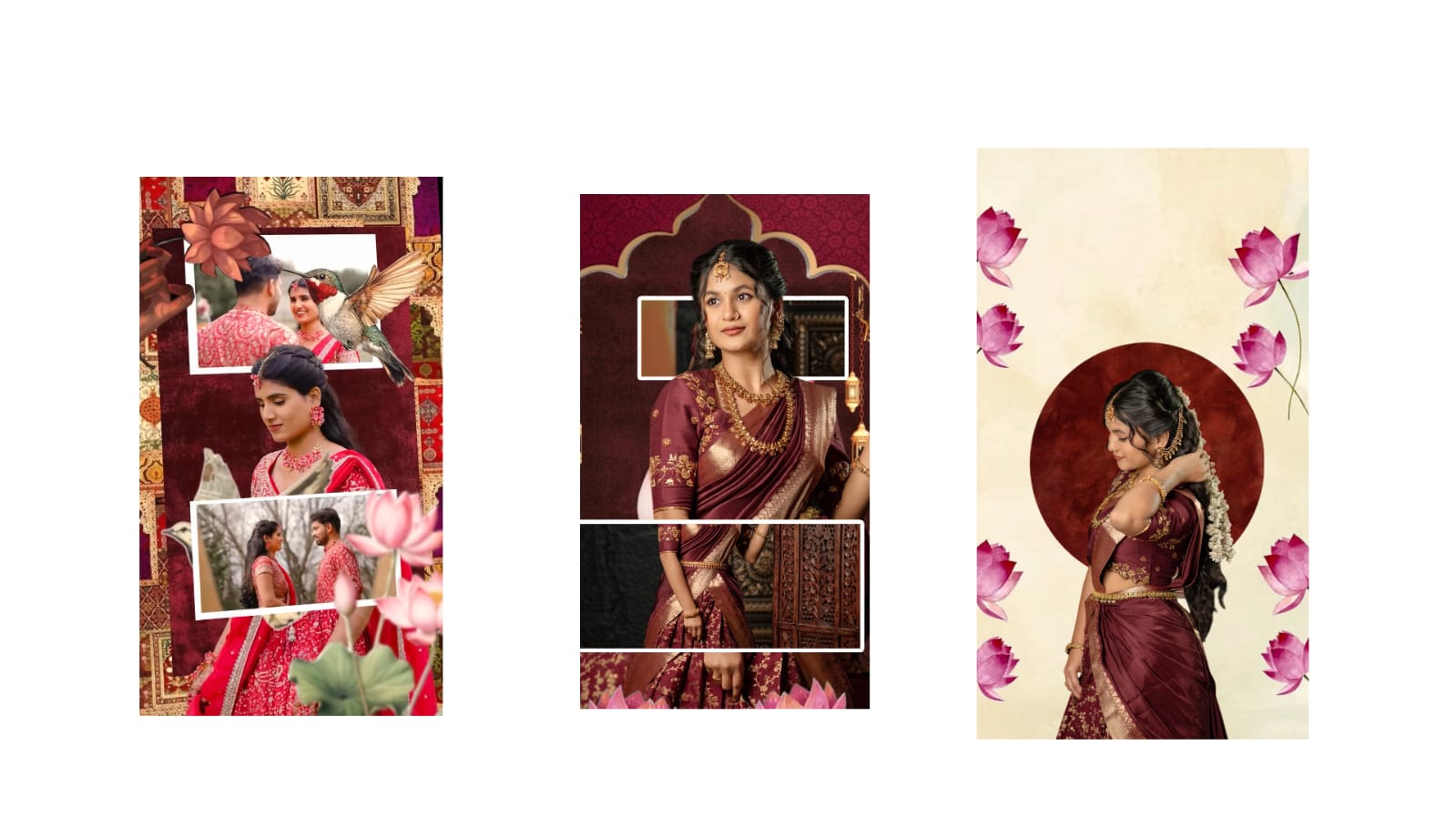
Photo editing has become an essential skill for content creators, social media users, photographers, and business owners. Whether you want to improve a selfie, create eye-catching social media posts, or edit professional images, modern AI-powered editing apps make the process easier than ever. These applications provide powerful tools that automatically enhance colors, remove unwanted objects, improve image quality, and even generate creative backgrounds with just a few taps. Choosing the right editing app depends on your needs, device, and editing style. Understanding the features available in today’s leading photo editors can help you save time while achieving professional-quality results.
One of the biggest advantages of AI photo editing apps is automatic enhancement. Instead of manually adjusting brightness, contrast, shadows, and highlights, AI analyzes the image and applies balanced improvements instantly. This is especially useful for beginners who may not understand advanced editing techniques. Professional users also benefit because AI speeds up repetitive editing tasks while maintaining natural-looking results.
Background removal has become another popular editing feature. Many creators use transparent backgrounds for product images, YouTube thumbnails, online stores, and marketing materials. AI can accurately detect people, objects, and even fine hair details, producing clean cutouts within seconds. This feature eliminates the need for complicated manual selections and significantly reduces editing time.
Portrait enhancement tools continue to improve every year. Modern editing apps can smooth skin naturally, reduce blemishes, brighten eyes, enhance facial lighting, and improve overall image quality without making photos appear artificial. These features are commonly used for professional profiles, wedding photography, influencer content, and business branding.
Color grading is another important aspect of photo editing. Different color tones create different moods. Warm colors produce a welcoming appearance, while cooler tones create a cinematic atmosphere. Many editing applications include professionally designed filters that can transform ordinary photos into visually attractive images. Users can further customize saturation, temperature, tint, exposure, and contrast to create a unique editing style.
Object removal tools have also become extremely powerful. Sometimes an excellent photo is spoiled by unwanted people, wires, vehicles, or distracting objects in the background. AI-powered object removal intelligently fills the removed area with matching textures, making it difficult to notice that anything was removed. This feature is especially useful for travel photography, outdoor portraits, and real estate images.
Image upscaling technology helps improve low-resolution photos. Old family pictures, compressed social media images, and blurry photos can now be enhanced using AI. The software reconstructs missing details, sharpens edges, and increases resolution while preserving image quality. This allows users to print large photos or reuse older images for professional purposes.
Many creators now use editing apps to prepare content for multiple platforms. Different social media platforms require different image dimensions. Modern editors provide ready-made templates for Instagram posts, Stories, YouTube thumbnails, Facebook covers, Pinterest pins, and website banners. Automatic resizing saves time while maintaining image quality.
Batch editing is another valuable feature for photographers and businesses. Instead of editing each image separately, users can apply the same adjustments to hundreds of images at once. This ensures consistency across an entire photo collection while dramatically reducing editing time.
Cloud synchronization has become increasingly important. Many editing applications allow users to start editing on a smartphone and continue on a tablet or desktop computer without losing progress. This flexibility is useful for professionals who work across multiple devices.
Layer-based editing remains essential for advanced users. Layers allow designers to combine multiple images, text, graphics, and effects into a single project while keeping every element separately editable. This workflow is commonly used for advertisements, posters, thumbnails, and creative digital artwork.
AI-generated backgrounds have introduced new creative possibilities. Instead of taking photos in expensive studios or traveling to different locations, users can replace backgrounds with realistic landscapes, offices, cafes, beaches, or artistic environments. This feature is especially valuable for online businesses, influencers, and product photography.
Security and privacy should also be considered when choosing a photo editing application. Reputable apps provide secure cloud storage, encrypted data transfer, and transparent privacy policies. Users should always verify permissions before uploading sensitive or personal images.
Performance optimization is another important factor. A well-designed editing application should process images quickly without consuming excessive battery life or storage space. Regular updates ensure compatibility with the latest smartphones and operating systems while introducing new editing features.
Learning photo editing has become easier through built-in tutorials and guided editing suggestions. Beginners can quickly understand professional editing techniques while gradually learning manual adjustments. As skills improve, users can explore advanced tools such as curves, masking, selective adjustments, RAW editing, and color blending.
The future of photo editing continues to evolve rapidly with artificial intelligence. New technologies are making editing faster, more accurate, and more creative than ever before. Whether you are editing family memories, creating business advertisements, designing social media content, or building a professional portfolio, choosing a feature-rich AI editing application can significantly improve both your workflow and final results. Investing time in learning modern editing tools will help you create visually impressive images that stand out across digital platforms while maintaining professional quality and creative flexibility.
Full Project
XML file
Song link



