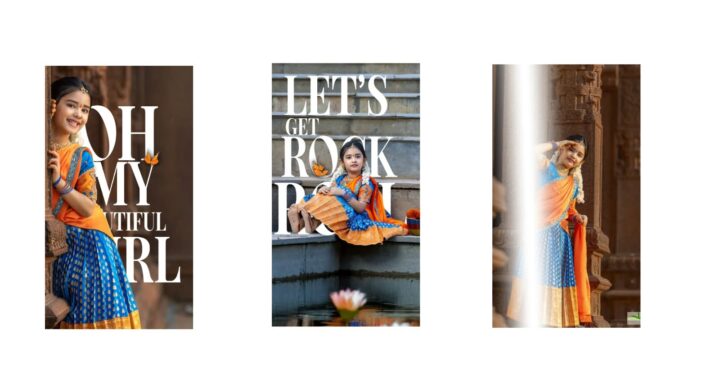
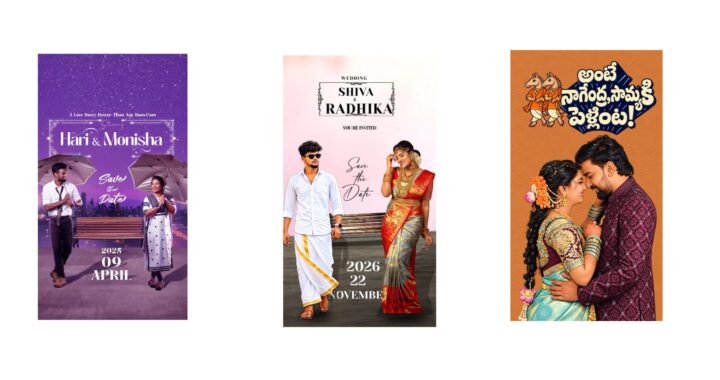
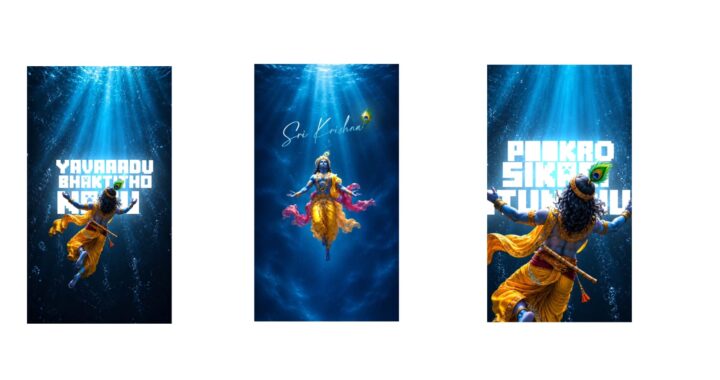
Recently, wedding videos have been trending a lot. I will show you two or three editing styles to make them look amazing. It will look very good, and you can also convert them into other versions according to your liking. I will explain how to do that, so if you are looking to create a wedding video, watch until the end because it will be very helpful. If you need extra templates or similar assets, I will include them in the video or tell you where to find many different types. First, I will give you examples of two templates, focusing mainly on these two. I really like the first one, and recently many people on Instagram have been asking me to showcase this exact template. Just yesterday evening, I saw messages where many people requested it and even sent me a video. Look at this; it looks amazing and has a natural feel to all its effects. If you add a nice overlay to it, it will look even better. Here is another one that is in full-screen mode, which is also very good and highly attractive, so you can definitely try it if you want.
Basically, if you want to make any changes to it, you can do so, but there are a few things you need to know. The video template itself isn’t the most important part because you will already be using it; I will tell you what the truly important part is. For example, if you copy this video exactly as it is, you won’t get that unique feel, and everyone will think you just copied it directly. Therefore, you should try to do something new, and I will tell you how to think about it. Take this photo, for instance; everything looks good, but open the Pinterest app and search for something like a “wedding background”. When you search for a wedding background, many types of photos will appear. Find a good one, and even if it wastes a little time searching, it is worth it if you want to achieve a high-quality feel. Try to go for darker themes. Let me show you how I think about this to give you an idea.
There are many options here, and you could definitely just download any random one and move on, but I don’t look at it that way. I try to look for something better and usually pick two or three variations. Let’s see which one is better; this one looks good, so I will download it. It is slightly dark and looks nice. Look at the design carefully to see if it is a good pattern, because a proper design makes the overlay effect feel much more attractive. So, try to focus on the design for a better look. Now, leaving those two aside, go to the color and fill options for this background and select a different photo. From the ones I just downloaded, I will take the first one, select the plus icon at the top, and look at how superb it looks after changing.
If you want it to look even better, I can explain that too. If you don’t like the border at the top, you can hide it or remove it. If you want to replace it with a different type of border, I will give you an idea to make it look even better. You can download various types of borders from here, but you have to search a bit and take your time. I search a lot and collect many designs, and even if it takes time, it doesn’t matter because our editing should feature our own unique and fresh content. That is how I think—our personal style should be visible. Even if you take inspiration from others or use my videos, make it a bit different. If a template is 100% complete, even if you change just 1%, it brings a fresh feeling to it. To give you an idea, you can find many backgrounds like this that provide a natural feel, though it takes some time to find them. Since this one looks good, I am downloading it.
After downloading, open the Photoroom app and place the downloaded photo there to extract just the border. It didn’t come out perfectly here, so I will go to the “edit cutout” option and erase the unwanted parts, which works well. Now I will download it from here. Next, let’s add this border photo to the place where we removed the previous one and see how it looks. I will rotate it and extend it to the end. It doesn’t give a perfect feel yet, so you should try to look for something better. I am just showing you this as an example, but you can definitely find a superior option.
You can also try different things with the text or other elements, but I will continue with this one since it looks good. Regarding the text, you can change its color from here. I will select this text color, move down to apply this shade, remove the old one, and change the color to a soft hue. As I mentioned, the final result depends entirely on how you think and plan your creative thoughts. If you want it to look even better, explore further. It doesn’t have to be just this template; there is another one you can try as well. After that, save your project, and if you have any doubts, leave a comment.