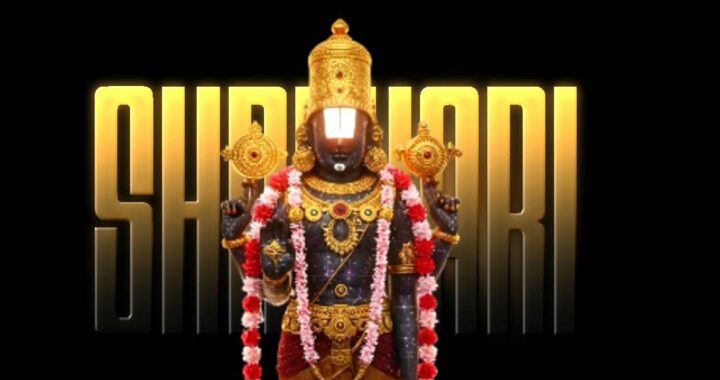
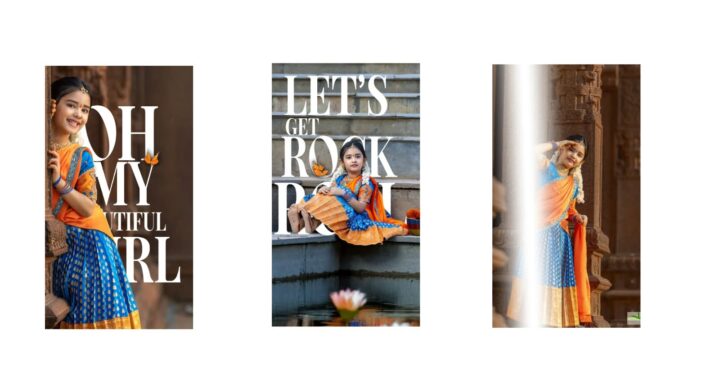
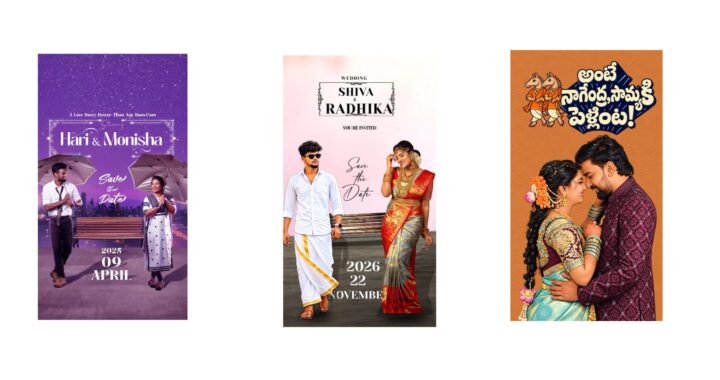
This video editing felt next-level to me. I mean, they have made videos in this style before, but this one synced really well. Let me show you a demo first, and if you like it, please leave a like. It gives some support. Look at this: “The conqueror of death who defies mortality… the human arrow who crossed the boundary of seven dreams… this lord of death roared and captured the noose… the lone soldier who dared the seven Telugu frontiers.” You saw the video, right? Comment below on how you felt about it. It looks amazing. To put it simply, the editing is really good. Personally, I liked it. Let me know in the comments if you liked it or not. And if you want to try this with your photo, we are going to do it very easily. I will explain it simply. First, I have provided the fonts below. If you don’t have the Alight Motion app, I’ve shared it on Telegram. If you click on the Telegram link, it will take you directly to where the app is. You can use a clone app.
There is an app called QN—sorry, WN—use that app. Just think of it as Alight Motion. That is the one I use too. No problem whichever one you use. Now, to do this, as I said first, you need the font and the Alight Motion app. If you don’t have them, check below. Now, first, I will open the project and show you. I explained how to do this kind of editing in one or two videos recently, about 15 or 20 days ago. If you want to watch that video, check it out, okay? I explained it in detail in that video. In this video, there are a few details you can learn if you want to watch, okay? First, I am clicking on this box and turning on the camera. Even if you get a missing font warning as soon as you add it, you don’t need to worry. Just scroll down. Scroll down and choose whichever font you like from here, or re-select the font I gave you, okay? If you re-select it, it will be fixed. First, let me tell you a good trick in this. I don’t know if many people have an idea about this, but I have been using it for many days and haven’t told many people. Okay, first, let’s go to ChatGPT. I will give you a small prompt, or you don’t even need a prompt, but I will give you one that will be useful. Let me tell you what that prompt is for. Now, for example, if you want to remove a photo background, many people use different apps. Don’t do that. Take your normal photo. For example, here is my photo. I uploaded this photo, and its quality isn’t that good either.
Look here in this photo, okay? Using this photo, I need to type “this is more better quality digital art painting background transparent.” I will put this prompt below. “This image more better quality digital art painting background transparent.” Okay? This means it will generate a transparent PNG for us. I am sending it. Let’s see this photo. It turns out really well. Why did I mention painting in this? Because if it’s in a digital oil painting style in the video, it gives a much better feel. Okay, I am showing you a demo just to give you an idea. Don’t use different apps just to remove the background. Okay, they might work sometimes, but mostly use ChatGPT. It gives you a much better outfit and better quality. Main thing to say is, it gives 100% better quality than your original photo quality. I will show you. Okay, look here, the photo is ready. Look, it came out super. Look at the quality, you won’t even expect this kind of quality. Sometimes the face changes a little bit, just try again and it will come out right.
Look at the difference between that photo and this photo. And since we want it in a digital art style, look, it’s perfect. Generate and create around 5 to 6 photos like this. After that, I will give the project file below, check it out. Click on this box, turn on the camera, and now you can put your photos in it, okay? Select this photo, go to color and fill, and replace this photo with another one. I haven’t saved the photos I just generated, so I will put a different photo.
I am putting this photo. It’s placed and it is set. It looks good like this, okay? If you want the maximum quality to be a bit better, try it that way. If you get missing fonts, follow the steps I mentioned earlier. If you don’t know how to do this animation, I made a video titled “Typography Lyrical Video” about 15 or 20 days ago, the title will look like that, check it out. Otherwise, I will put it in the description. If you comment asking for the link, I will send it to you, you don’t need to worry, okay? A lot of people might have a small doubt—many might not like this song. If you want to put a good love song or something else, you can put a love song too. You can make a few changes to the lyrics accordingly and use it. That’s all. If you have any other doubts, comment below. Jai Hind.