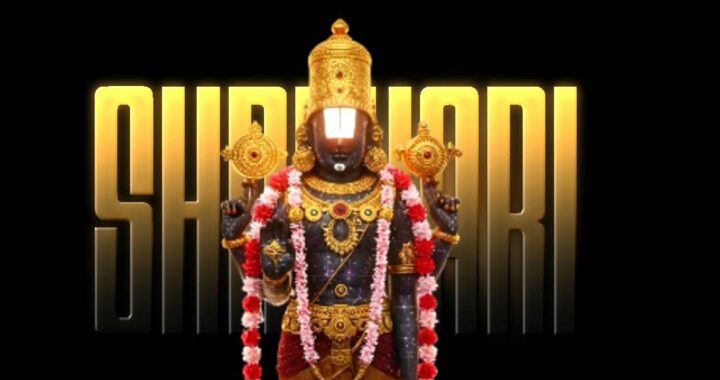
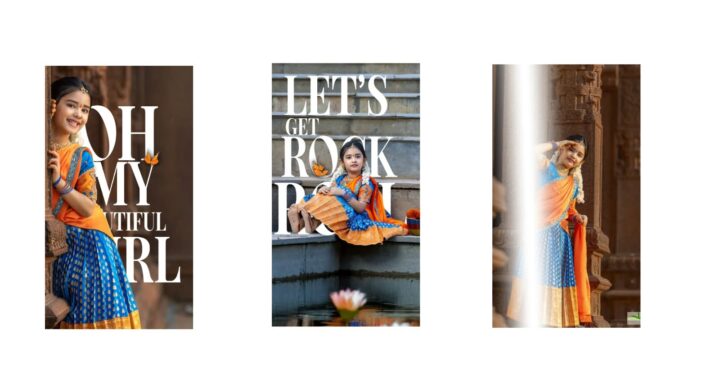
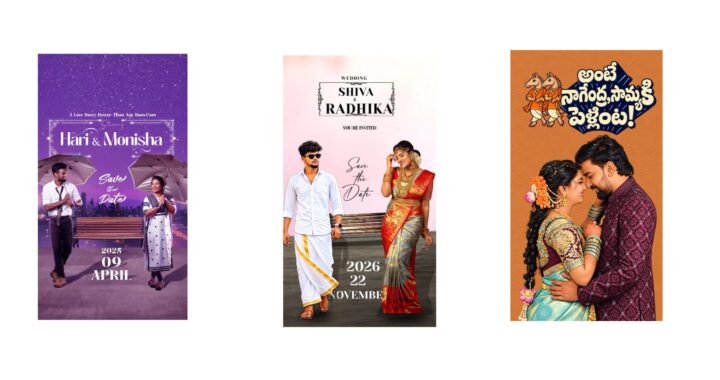
Single picture typography edits have become a dominant staple of modern short form video feeds across global social media networks. By seamlessly blending sharp, heavily stylized graphics with highly synchronized textual layers that dynamically weave behind and in front of a portrait, these edits grab the attention of viewers within the first few seconds of playback. Achieving this highly polished, professional, and three dimensional look is far easier than it appears, especially when you strategically combine the upscaling capabilities of modern artificial intelligence engines with preconfigured project timeline templates.
The entire creative production workflow begins with generating the perfect central portrait asset. Standard mobile phone photographs often lose their clarity and sharpness when you apply intensive video filters, dramatic camera movements, or heavy data compression during the final export phase. To bypass these limitations, you can use an artificial intelligence companion tool to upscale your original image while simultaneously introducing a distinct, premium artistic style that blends flawlessly with text overlays.
You begin by submitting your original portrait photo to your preferred artificial intelligence image generator. Once uploaded, you apply a precise refining instruction prompt designed to establish the optimal texture and transparency for video layering. Requesting a high quality digital oil painting with a completely transparent background allows the artificial intelligence engine to simultaneously upgrade the visual resolution, smooth out harsh pixelation, and remove the environment behind the subject. This automated extraction saves you from having to use inaccurate external background cutout applications and provides your primary character layer with a remarkably clean, sharp edge that interacts beautifully with moving graphics.
Once your core visual asset is generated and saved to your device storage, the next phase involves gathering all the necessary template configuration building blocks provided by the video creator. Utilizing these prearranged assets drastically reduces your manual processing time because you will not have to program every individual text stroke, movement velocity, or camera shift from scratch.
First, you must secure the extensible markup language project configuration file and import it directly into your video editing application workspace. This configuration file acts as a structural blueprint that instantly populates your editing timeline with the correct track layers, intricate camera angles, and advanced transition effects. Alongside this file, you must download the designated audio sound track to ensure that your animated typography jumps precisely on the musical beat. Finally, you must download and install the specific custom typography font files to ensure that all characters render correctly without causing system errors inside the application.
With all components successfully downloaded, you can open your digital workspace, launch the imported project template, and begin assembling your unique visual composition. It is quite common for the application to display a missing font alert immediately after loading a preset file. If this happens, you simply scroll down to the designated text tracks, highlight the affected layers, and manually map them to the custom typography font files you installed earlier. Once the lettering styles are properly restored, you navigate down to the primary media layers situated at the bottom of your project timeline. You open the color fill parameters, select the option to swap out the default placeholder asset, and select your newly generated artificial intelligence digital oil painting. To verify that everything is aligned, you toggle the active camera preview tool within the workspace window to watch how the wording wraps dynamically around the physical dimensions of your portrait during playback.
The final stage of production focuses entirely on personalizing the composition and finalizing delivery. Play through the entire timeline sequence from start to finish to ensure the visual rhythm aligns perfectly with your specific creative vision. If the original dramatic audio track does not suit the mood you want to convey, you can easily delete the default sound file and introduce a different romantic track, high energy pop song, or melodic instrumental piece instead.
If you change the music, you will simply need to shift the placement of the text layers slightly to match the unique cadence and tempo of your new soundtrack. Once the audio beats and visual text layers coordinate flawlessly, export the video file at the highest available resolution and upload the final product to your social media channels.