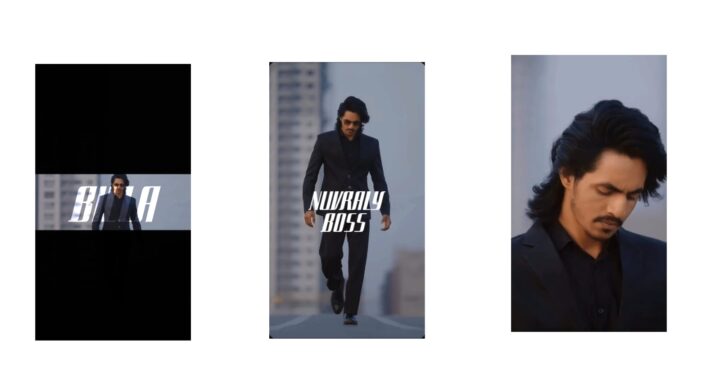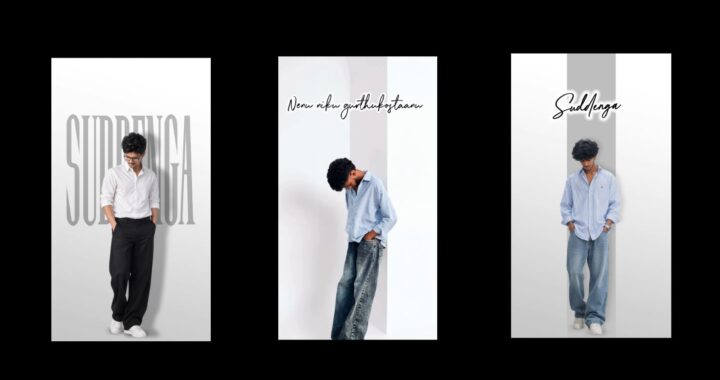
If you are starting your video editing journey from scratch in your 20s, the ultimate roadmap relies on mastering design fundamentals before ever opening an editing timeline. Because modern video editing is about building entirely new scenes, graphics, composites, and custom text layouts from scratch, you should first learn Adobe Photoshop to handle textures and clean cutouts, followed by Adobe Illustrator to build clean vector layouts and UI elements.
From there, you only need to choose one editing tool and one motion graphics program to avoid getting overwhelmed; Adobe Premiere Pro paired with After Effects is a highly professional industry choice, while DaVinci Resolve combined with its built-in Fusion page offers a powerful, entirely free alternative. As a beginner, focus entirely on understanding your software’s basic interface, mastering timeline shortcuts, making simple cuts, and arranging basic travel vlogs or reels.
Once comfortable, transition to the intermediate stage where you match your visual cuts intentionally to the beats and rhythm of your music track, implement basic transformations like position, scale, and rotation animations, apply sound design like whooshes and bass drops to make scenes feel alive, use fundamental color grading to fix skin tones, and choose a pacing style—whether high-speed like viral creators or slower and atmospheric like documentaries—to match the video’s intended emotion.
To separate yourself from most editors, enter the advanced phase by learning path animations and shape layers in After Effects, constructing your own custom masking or match-cut transitions instead of using presets, and practicing professional VFX skills like tracking, rotoscoping, and 3D scene creation. Once you find your preferred niche, build a clean, professional portfolio using modern tools like Bento, Framer, or Card.io featuring only your five to seven absolute best, most polished edits rather than a messy Google Drive link.
To secure clients, you can take a high-volume approach using freelance platforms like Fiverr, Upwork, or Contra to build rapid experience, or invest completely in a high-value personal branding path across Instagram, LinkedIn, and YouTube to organically attract long-term retainer clients directly to your inbox. Finally, stay ahead of the curve by integrating AI tools—utilizing generative platforms like Midjourney or Freepik Spaces to build custom visual assets, and text-based editing systems like Descript to drastically speed up your long-form workflows, keeping in mind that while AI will not replace editors, editors who use AI will replace those who do not.