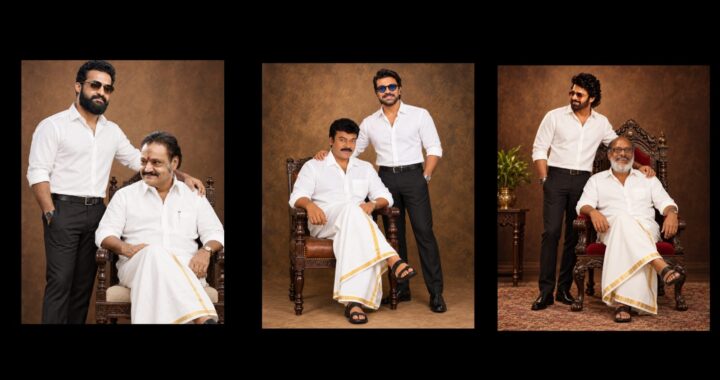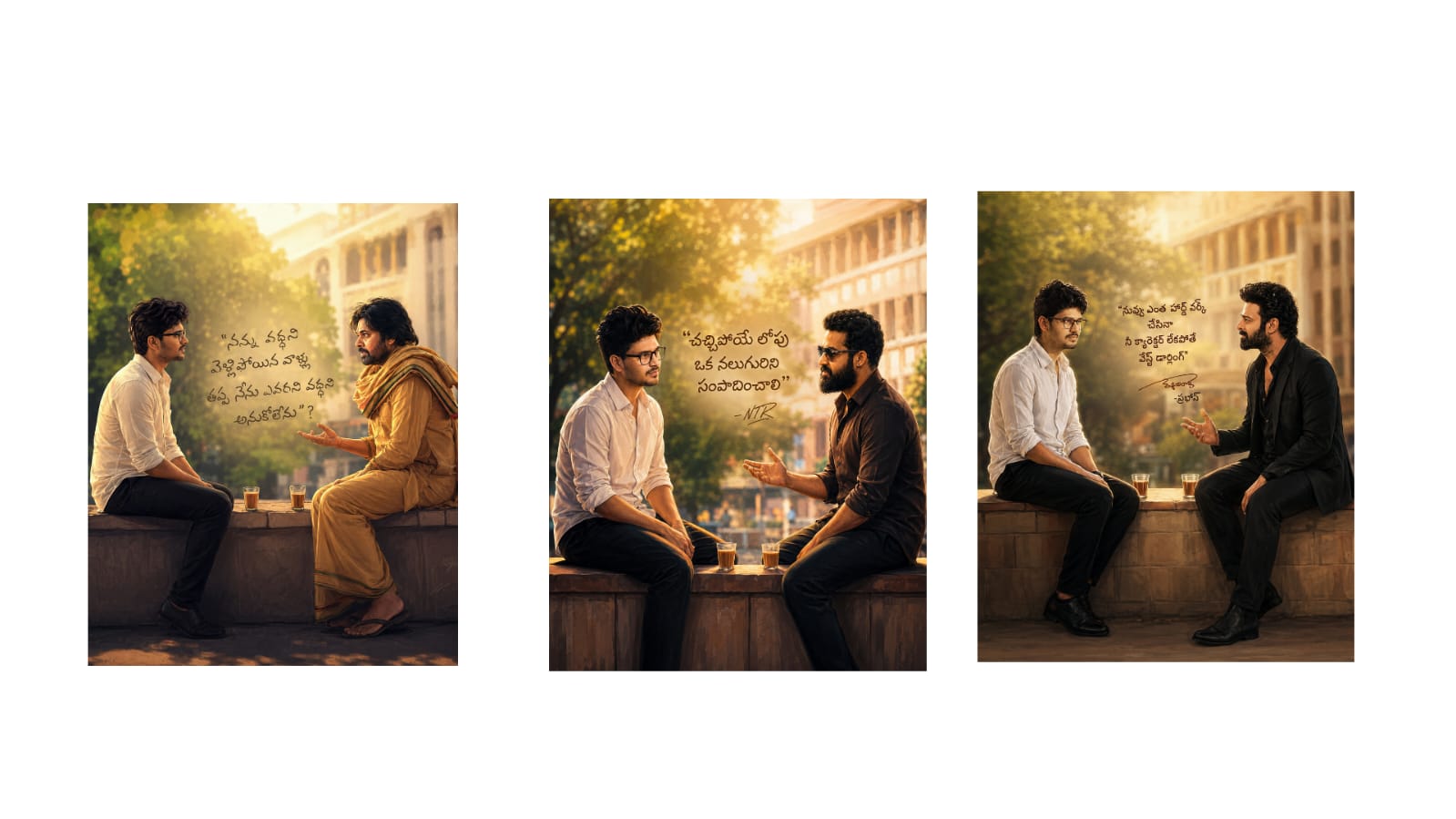
editing has become an essential part of modern digital content creation. Whether you are preparing photos for social media, websites, portfolios, advertisements, or personal projects, thoughtful editing can make an image more attractive and professional. A photograph may already have a strong subject and composition, but improvements to lighting, colors, details, and framing can help bring out its full potential.The key to good photo editing is balance. Instead of applying heavy effects to every image, editors can focus on correcting problems and strengthening the elements that already work well.Begin With Basic CorrectionsBefore adding creative effects, start by checking the basic qualities of the photograph. Exposure, contrast, highlights, shadows, and white balance can significantly affect the overall appearance.If an image is too dark, a small exposure adjustment can reveal important details. When bright areas appear washed out, reducing highlights may help restore detail. Shadow adjustments can make darker areas clearer without changing the entire image.White balance is equally important. Indoor lighting can sometimes create yellow or orange tones, while certain outdoor
conditions may make an image appear too cool. Adjusting temperature and tint can help colors look more natural.Making these corrections first creates a clean foundation for the rest of the editing process.Make Colors More AttractiveColor can influence how people feel when viewing an image. Bright and vibrant colors can create an energetic mood, while softer tones may produce a calm and elegant appearance.Saturation increases or decreases the intensity of colors across the entire image. However, using too much saturation can make photographs look artificial. Vibrance can often provide a more controlled way to enhance weaker colors.Editors can also adjust individual colors. For example, blue tones can be refined to improve a sky, green tones can be adjusted for outdoor photographs, and warm tones can be balanced in portraits.The goal is not always to create stronger colors. Sometimes reducing certain colors produces a cleaner and more professional result.Improve Composition With CroppingCropping is one of the easiest ways to improve an image. Unnecessary space around a subject can weaken the composition, while distracting elements near the edges may draw attention away from the main focus.A good crop can make the subject more prominent and create better visual balance. It can also help prepare an image for different platforms.For example, a horizontal photograph may be suitable for a website banner, while a vertical version of the same image could work better for mobile content.When cropping, avoid removing too much of the original photograph because heavy cropping can reduce image resolution.
Add Sharpness and Detail CarefullySharpness can help textures and important details appear clearer. It is particularly useful for photographs of products, buildings, vehicles, landscapes, clothing, and other detailed subjects.However, excessive sharpening can create rough edges and make the photograph look unnatural. Portraits require even more care because strong sharpening can exaggerate skin texture.Clarity can also increase the definition of details, but it should generally be applied in moderation.When working with photographs captured in low light, digital noise may become visible. Noise reduction can help create a cleaner image, but excessive reduction can remove natural details and produce a smooth, artificial appearance.Create Better Portrait EditsPortrait editing is about improving presentation while preserving a
natural appearance. Temporary blemishes or small distractions can be reduced without removing normal skin texture.Lighting adjustments can help make the face more noticeable. Slightly improving brightness around the subject can guide attention naturally without creating an obvious edited effect.The background also plays an important role. A distracting background can sometimes be improved by reducing its brightness, softening unnecessary details, or adjusting its colors.For portraits, subtle editing often produces stronger results than dramatic changes.Develop Your Own Editing StyleAs editors gain experience, they often develop a recognizable style. Some prefer bright photographs with natural colors, while others choose warm tones, deeper shadows, soft highlights, or cinematic looks.Creating a consistent style can be especially useful for photographers, bloggers, content creators, and businesses.
When multiple photographs share similar colors and lighting, a website or social profile can appear more organized.Presets and filters can speed up the process, but they should be treated as starting points. Every photograph has different lighting and colors, so additional adjustments may still be necessary.Prepare Images for Online UseA finished photograph should be optimized for where it will be displayed. Large image files can slow down websites, particularly on mobile connections. Resizing and compressing images can reduce file size while maintaining suitable visual quality.Choosing the correct dimensions and aspect ratio can also prevent unnecessary cropping when an image is uploaded to a website or social platform.Always keep a copy of the original photograph.
This makes it possible to create a new edit later without depending on an already modified version.Final ThoughtsGreat photo editing does not require adding dramatic effects to every photograph. Strong results often come from simple improvements to lighting, colors, composition, sharpness, and distracting elements.Start with basic corrections, make creative adjustments gradually, and compare the edited image with the original during the
process. Over time, practicing different techniques can help you understand which adjustments work best for portraits, landscapes, products, and other types of photography.The most effective edit is one that improves the visual impact of a photograph while allowing the original subject to remain the center of attention.